Crum Run
A downloadable game for Windows
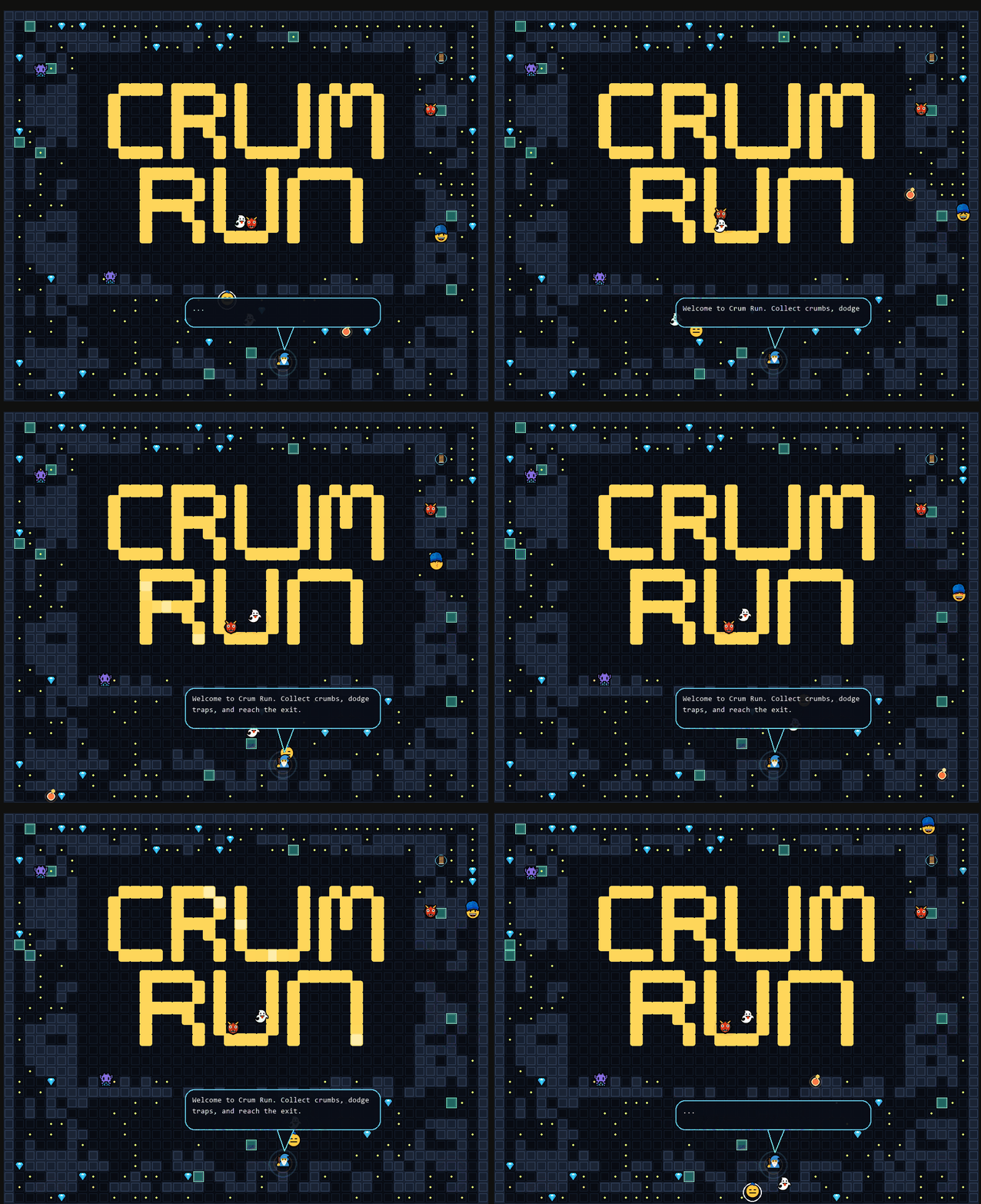
CRUM RUN Overview
// SCROLL DOWN FOR THE FREE DEMO! //
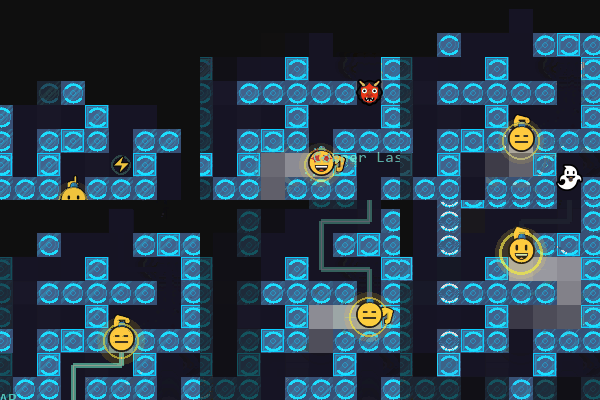
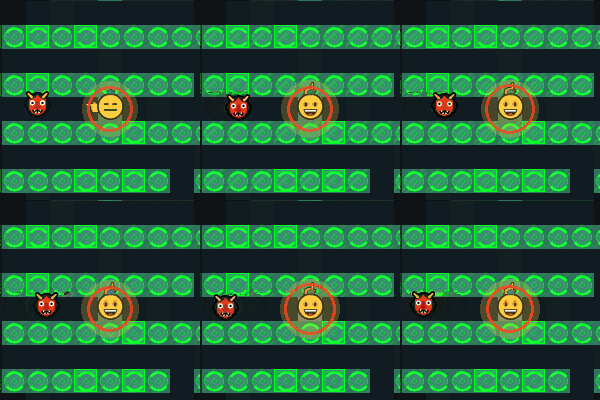
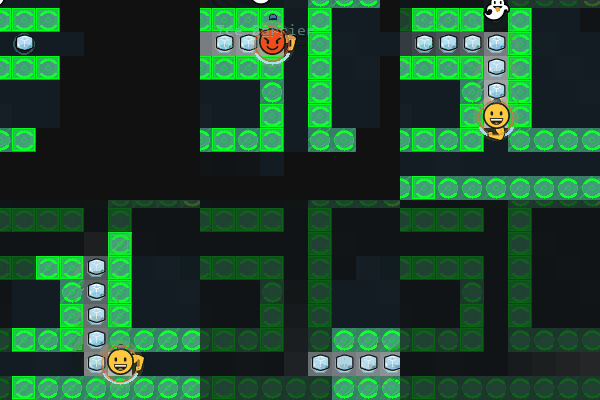
CrumRun is Pac-Man like, but faster, competitive, and fully customizable, focused on movement, optimization, and replayability.
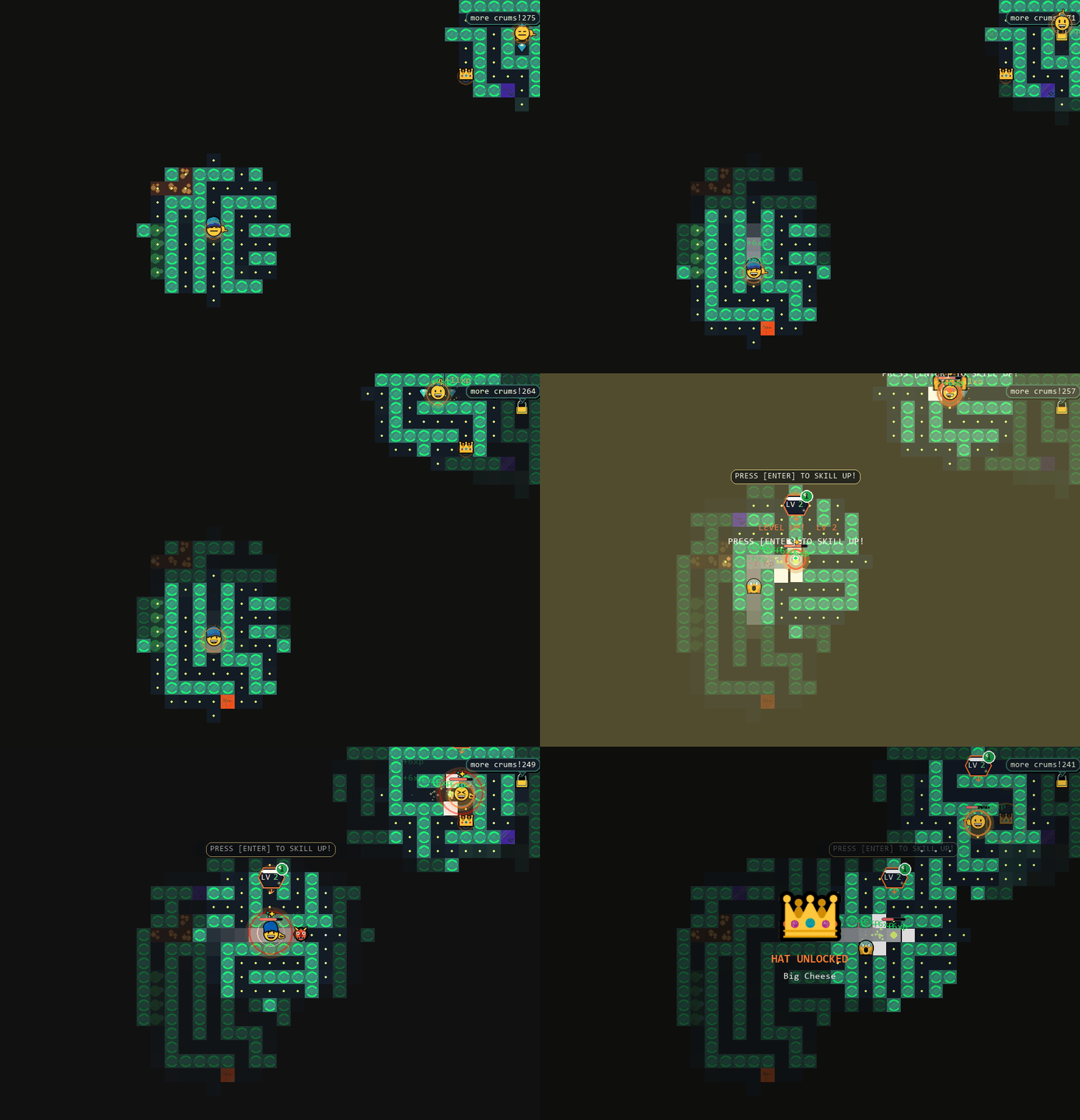
Explore and build mazes, collect Hats and unlock greater customization.
Navigate procedurally generated mazes, survive escalating difficulty, and push for higher scores through efficient routing and execution. How deep can you go?
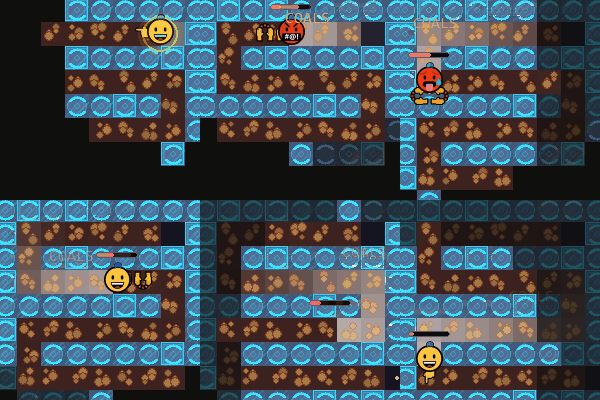
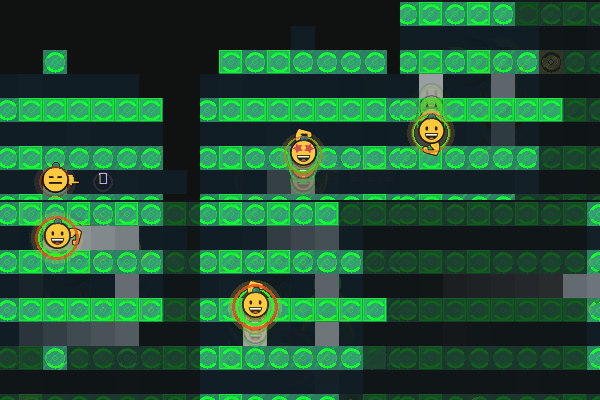
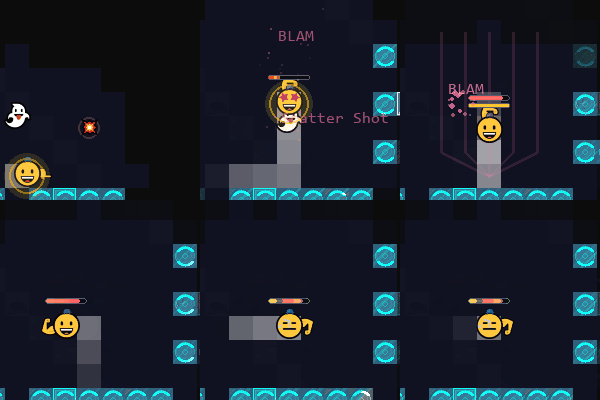
Play solo, team up in local co-op, or compete in PvP—all within a fully customizable game environment. Sit side by side and play with your friend like the old days.
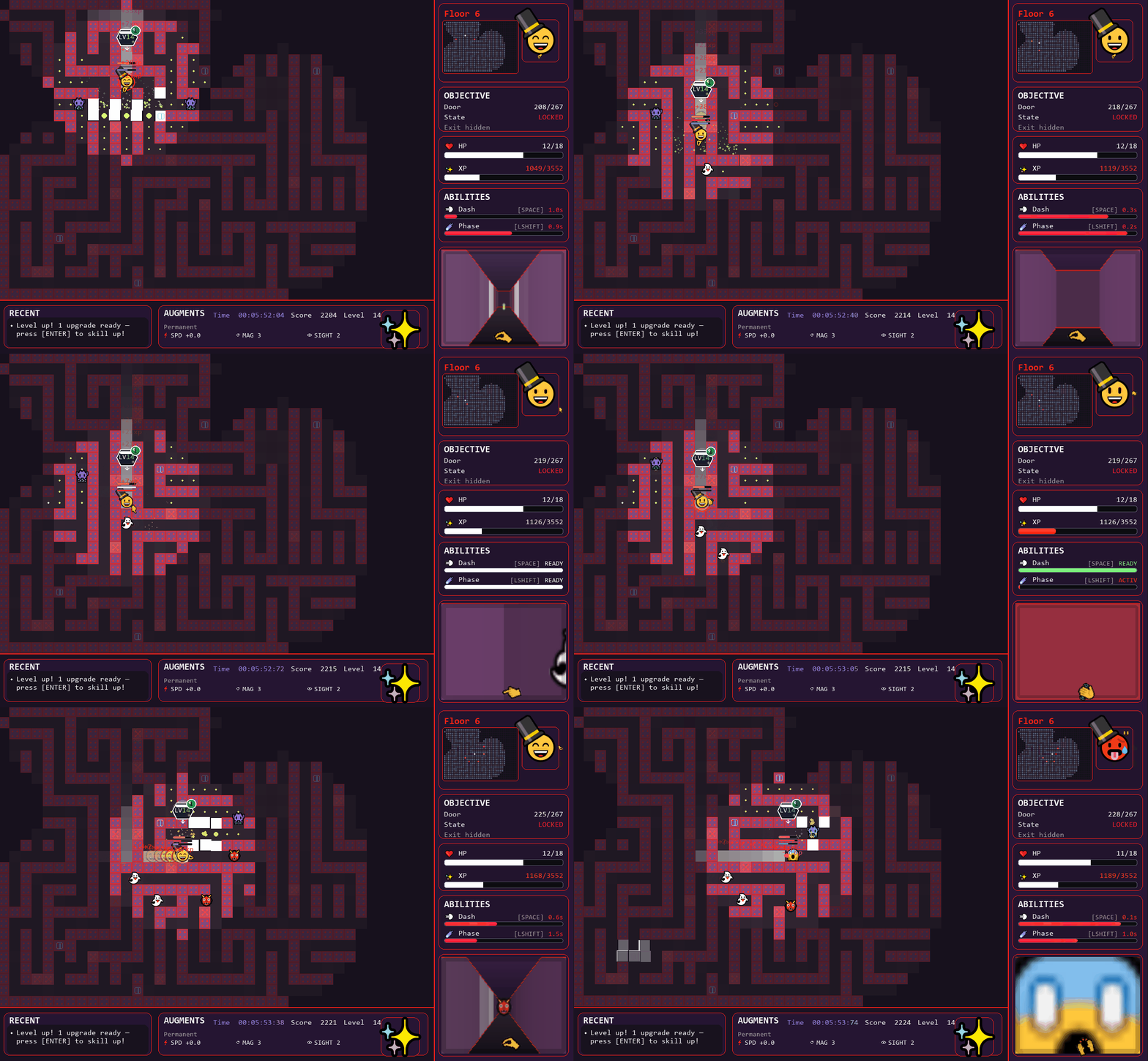
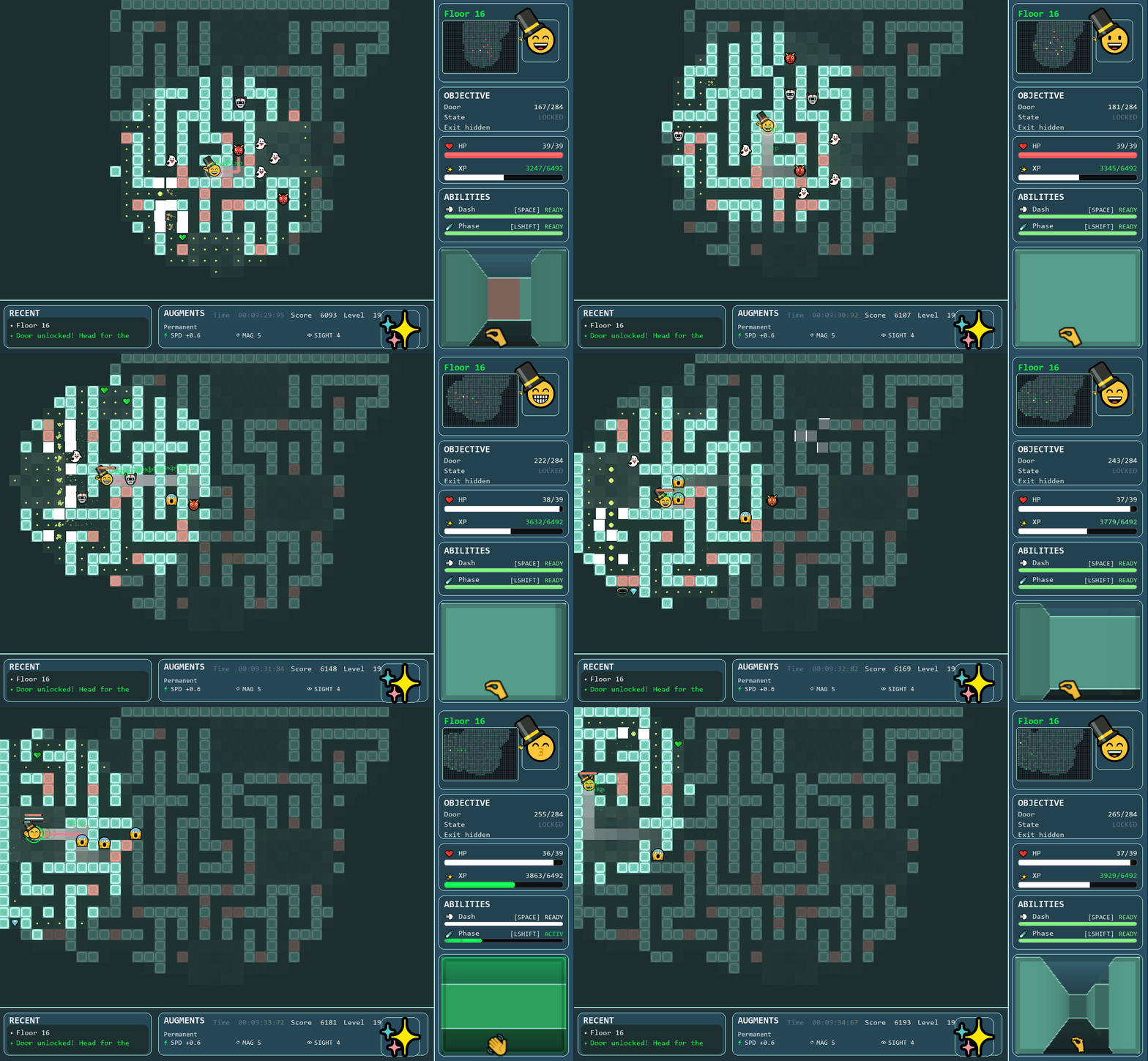
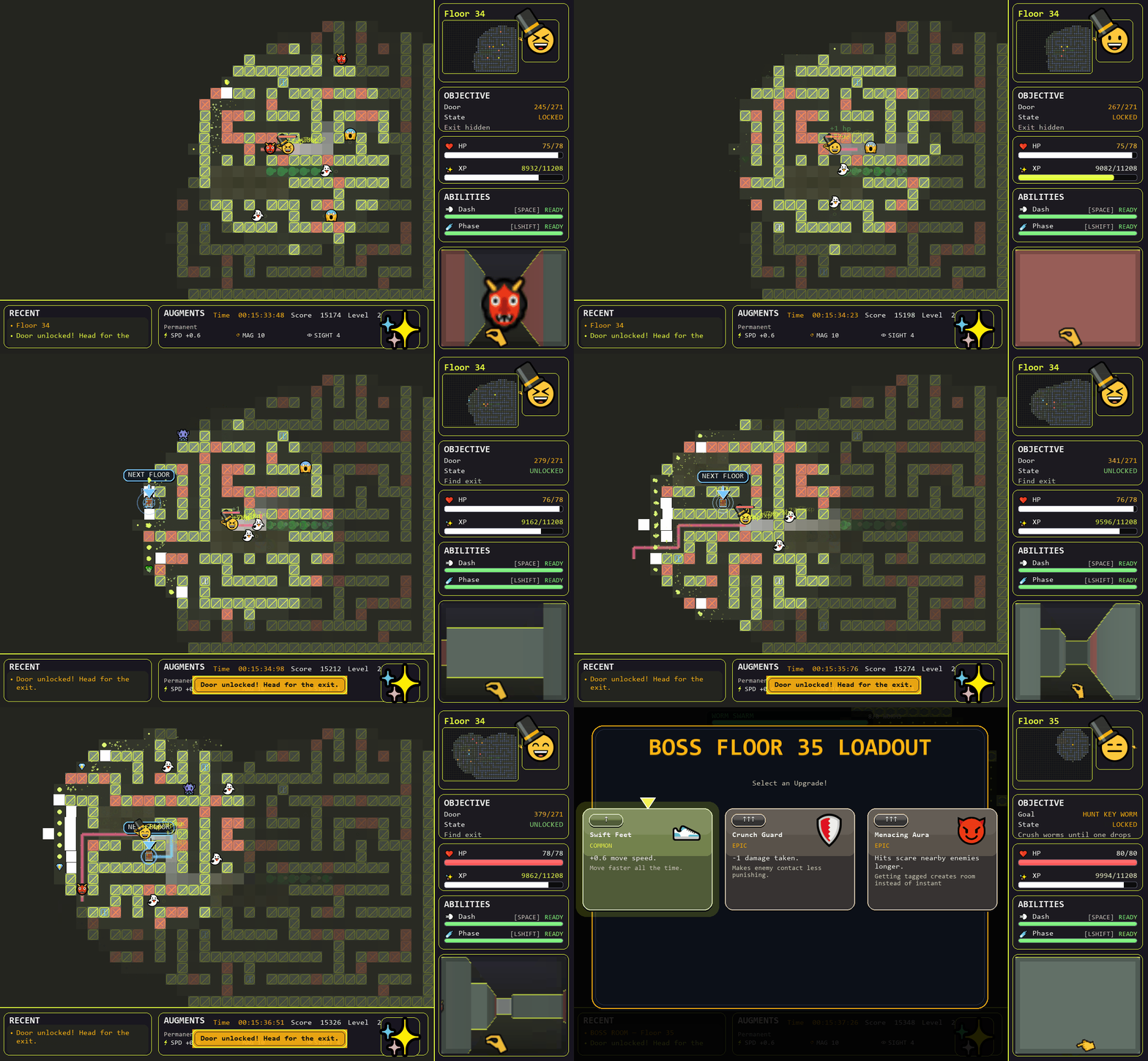
Key Features
- Fast, responsive movement system (dash + phase)
- Endless progression with increasing difficulty
- Local co-op and PvP modes
- Emoji-based visual customization
- Unlockable cosmetic hats
- Custom sound scheme system (DSP editor)
- Map maker with test-play functionality
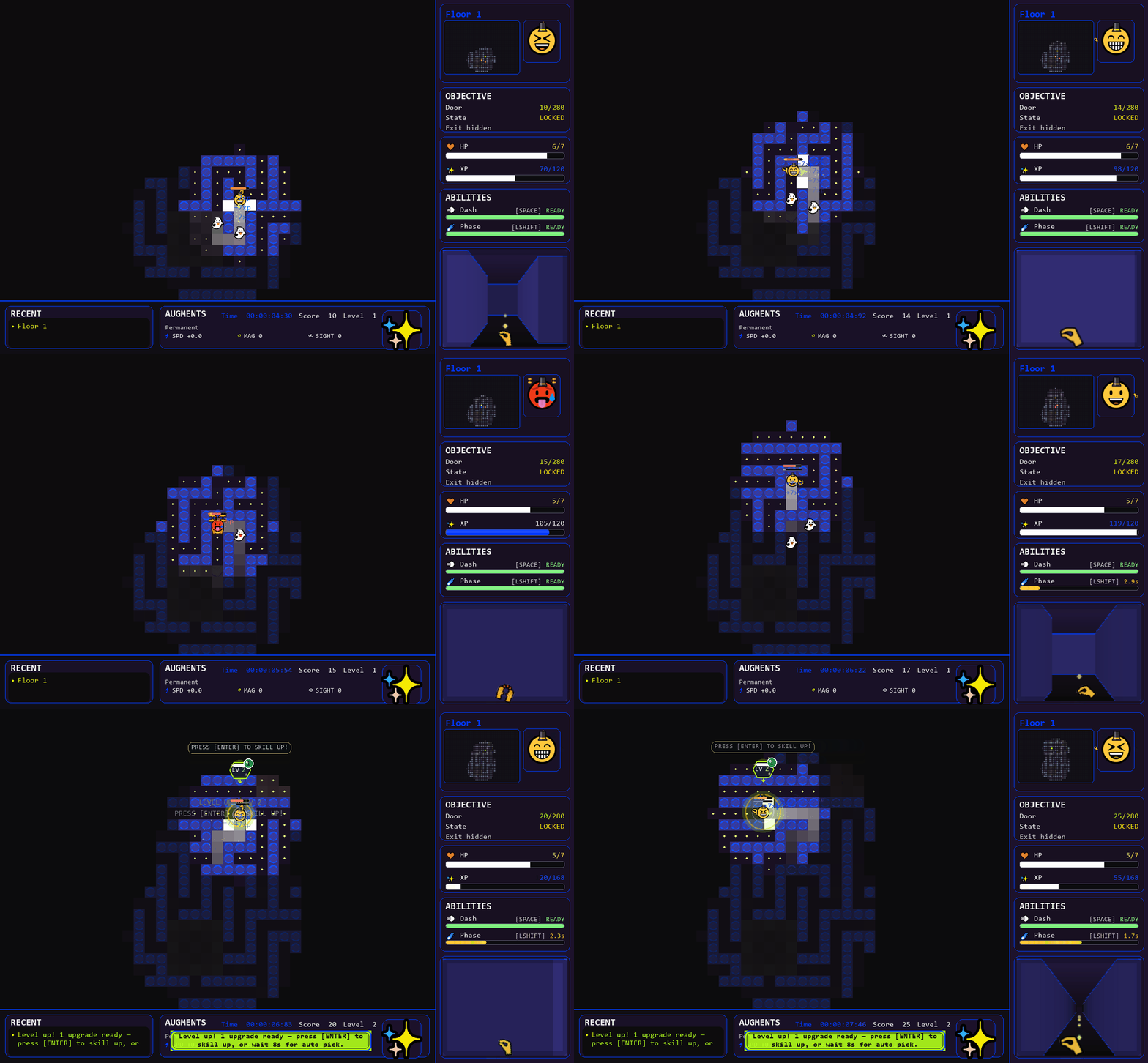
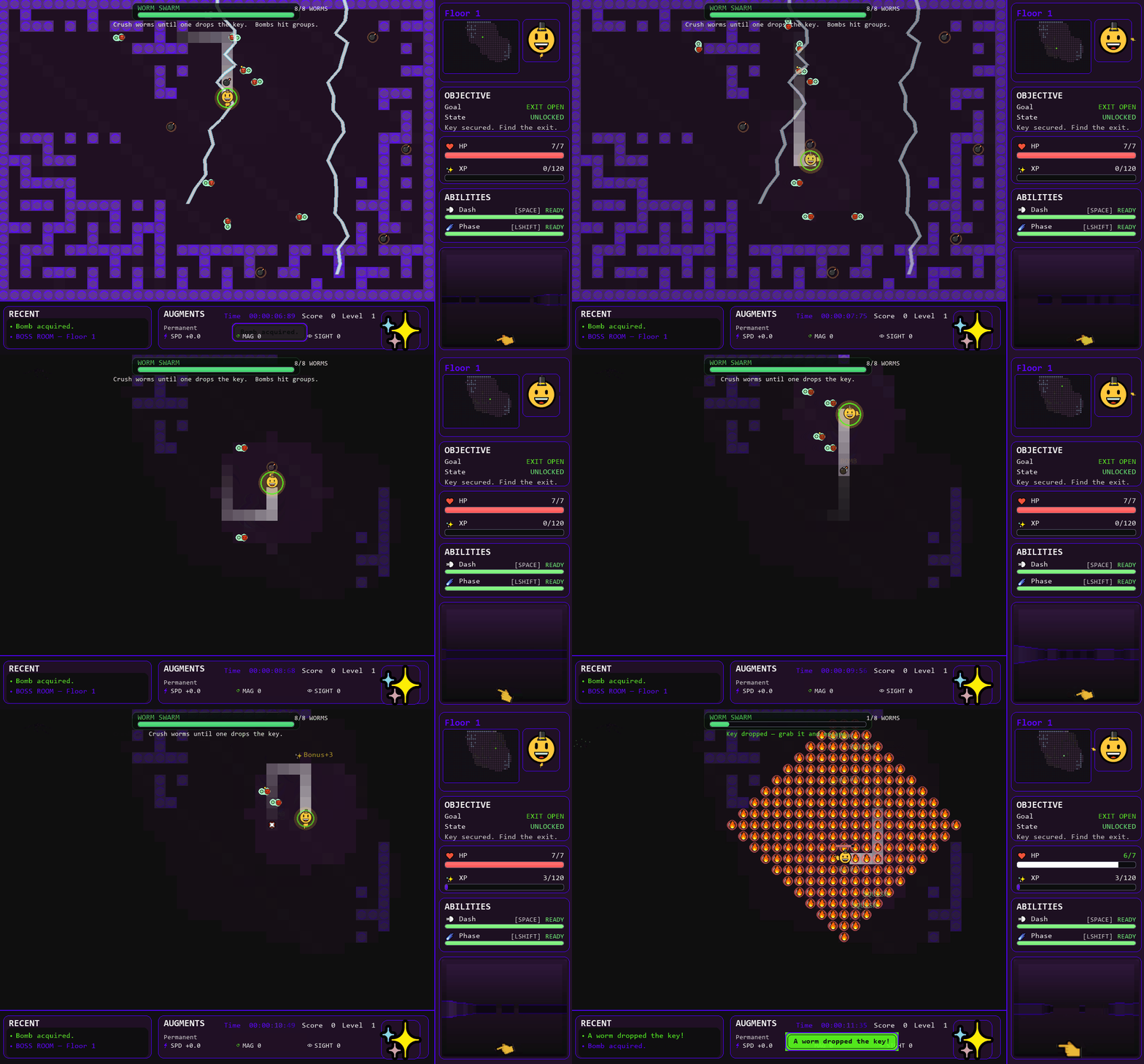
- Fog of war and minimap navigation
- Random boss encounters
- Lightweight, optimized performance
- Emoji based sprites
Demo
A free demo is available and includes core gameplay with limitations:
- Progression capped at a fixed floor (run ends at floor 11)
- Some customization features locked (custom sound/emoji/MapMaker Export)
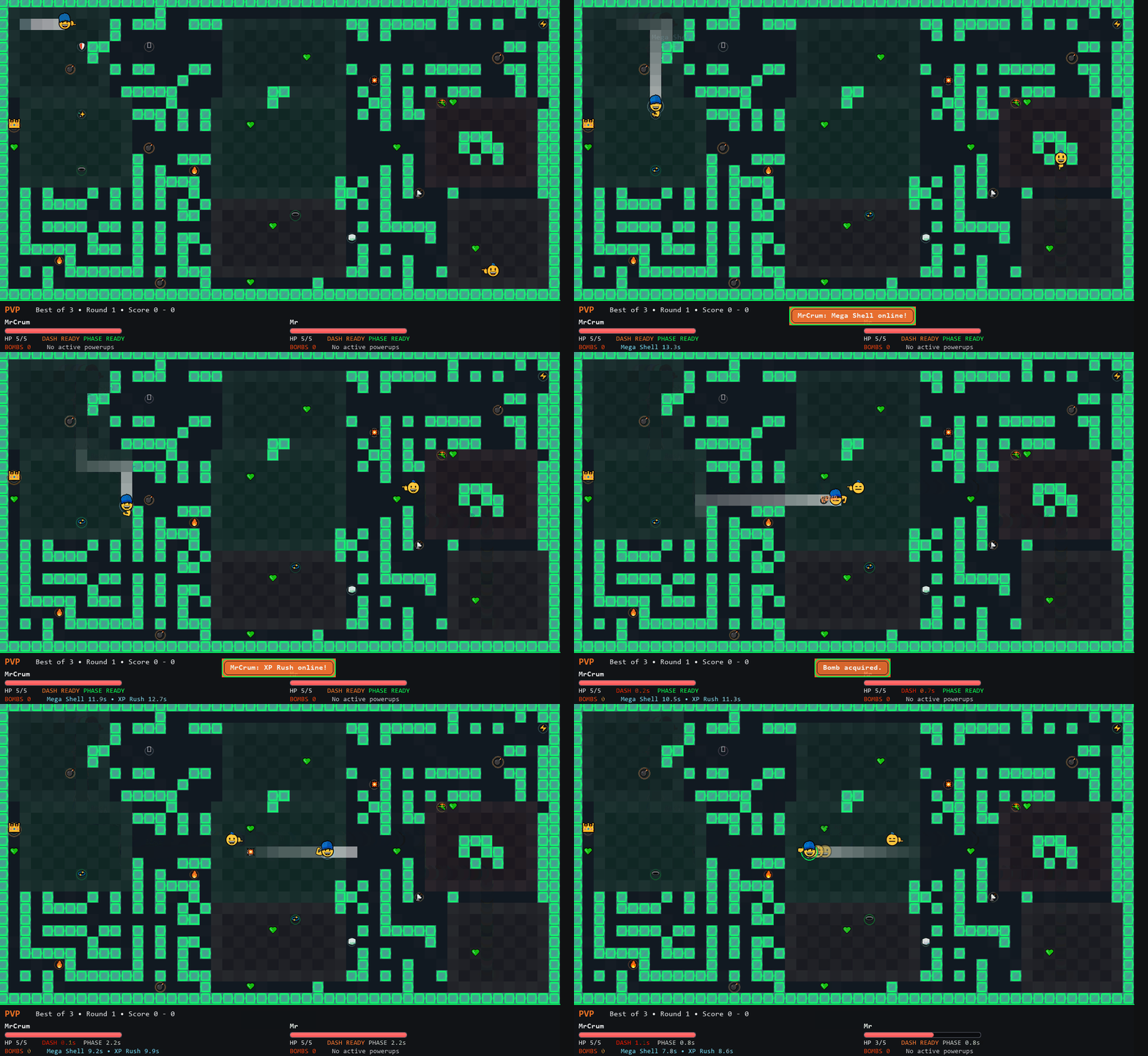
- PvP limited to a reduced to 1 round from best of 3 for the full version
Full Version
The full version has all of the features unlocked.
- Unlimited floor progress
- Unlimited level progress
- Share, Save and Load custom Maps from the Map Maker
- Share, Save and Load custom DSP sound settings.
- Share, Save and Load your custom emoji sets once unlocked via gameplay
Controls & Support
- Full key remapping
- USB Gamepad support
- Adjustable display settings
- Display settins for Full Screen and Windowed with auto detect
- POV slider!
Dash
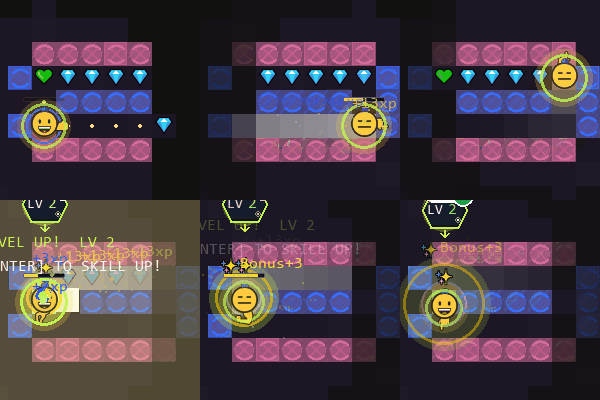
Dash Is one of the two core skills. It will boost your move speed and throw you forward. You can upgrade it's cooldown, duration and gain exta boons like invulnerability while dashing. In pvp Dash deals melee damage to other Players.
Phase
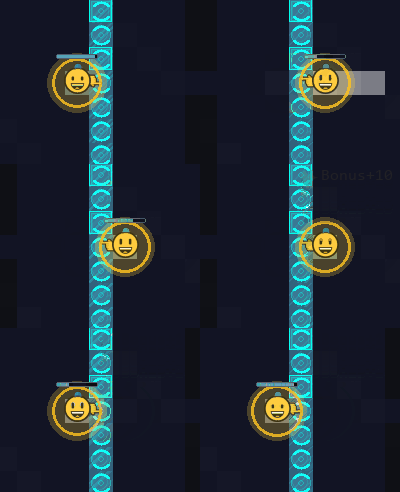
Phase pushes your character through walls when used. It also has the same upgrades for cooldown and duration.
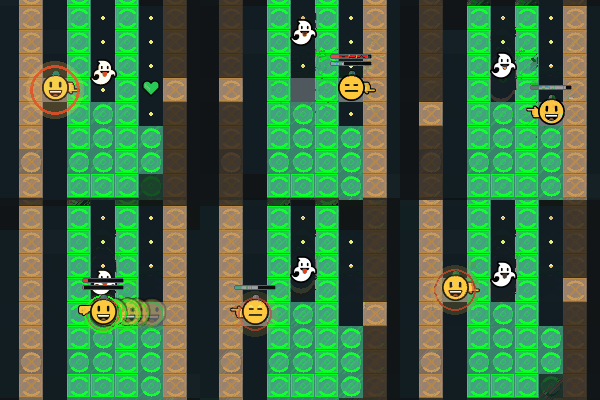
Players can use Phase and Dash at the same time to gain extra phase distance.
Powerups
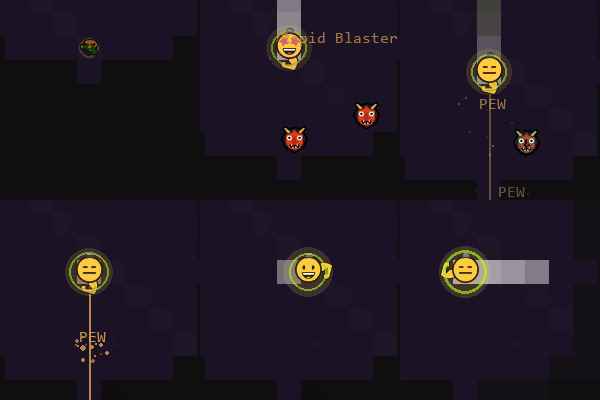
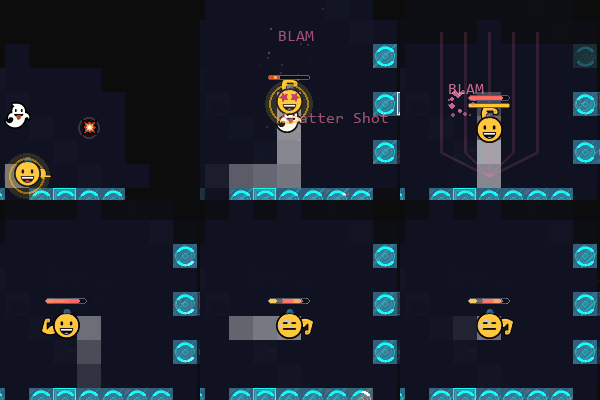
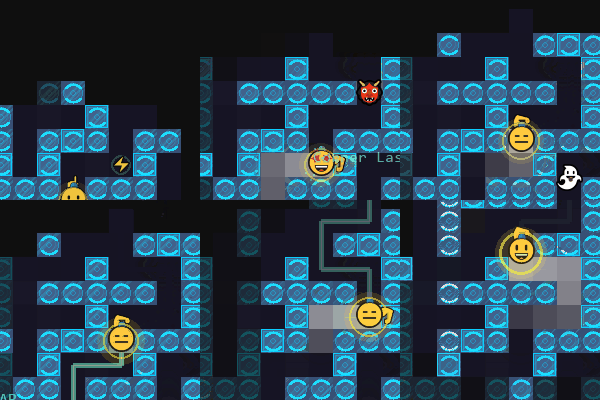
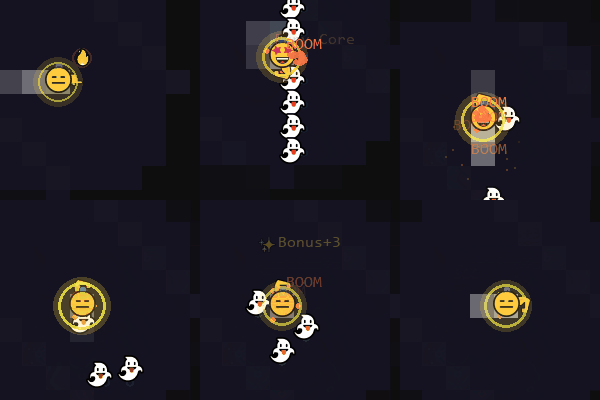
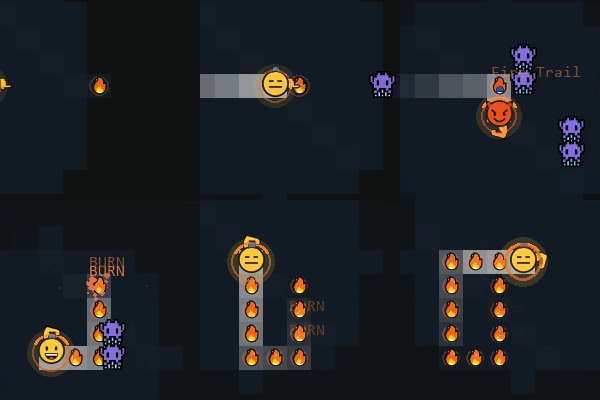
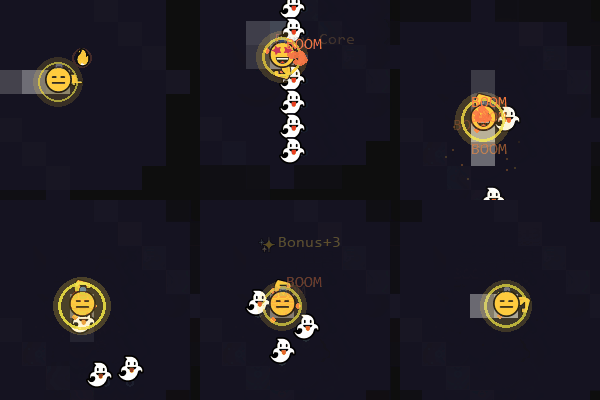
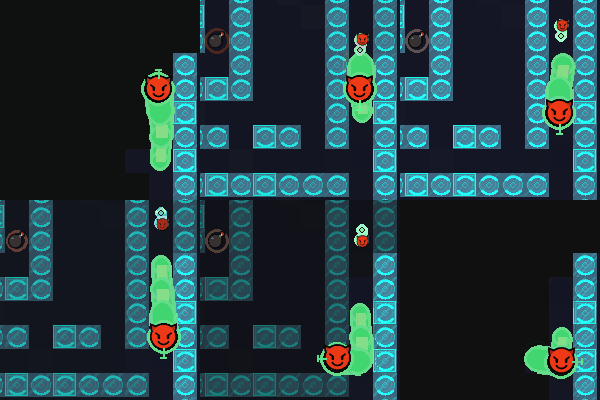
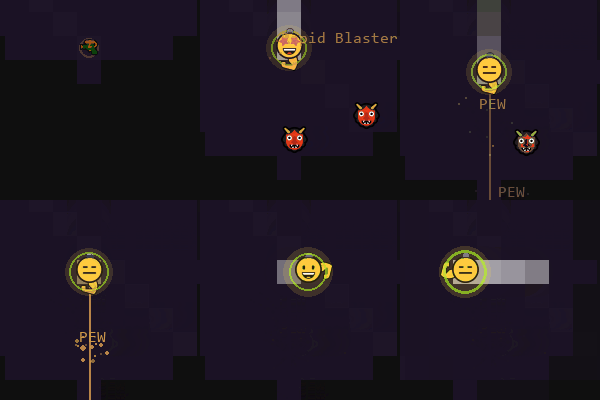
Players can puckup Powerups that Grant skills like Fire Trail, Mega Shield or even Weapons like the Rapid Blaster, Snake Cannon and Shotgun and more.
Obstacles
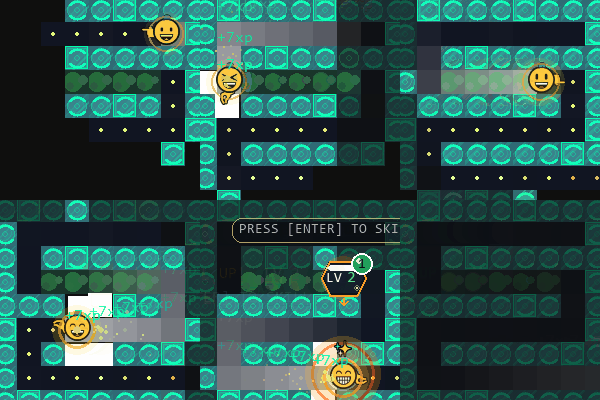
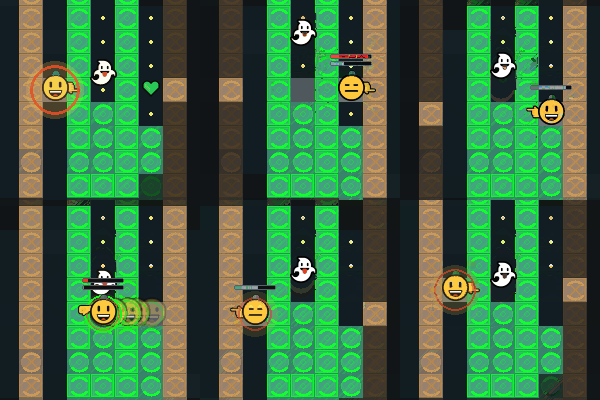
Goo Floor Slows the Players movement Speed.
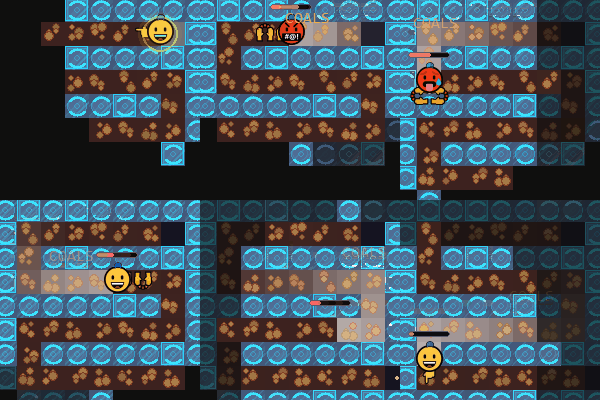
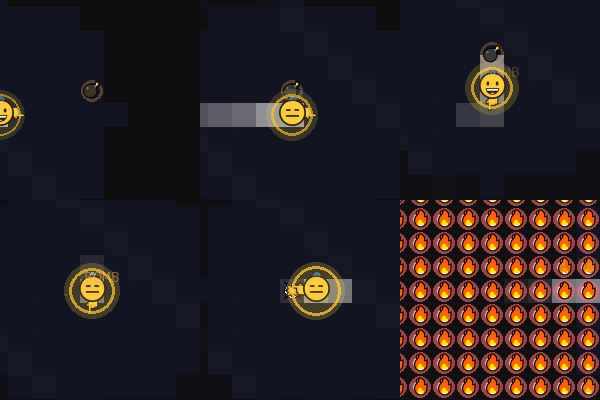
Hot Coals Damage the Player over time.
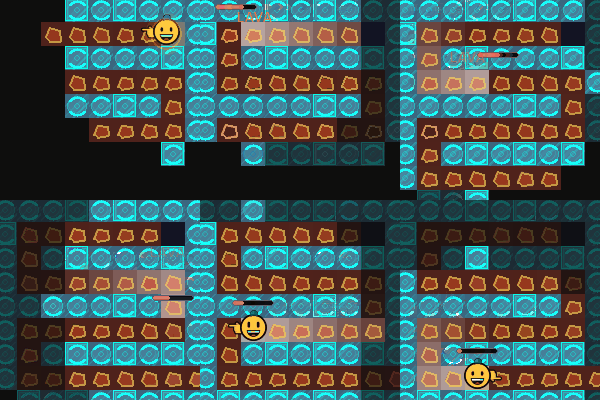
Lava Slows AND Damages the player over time and blocks Abilities!
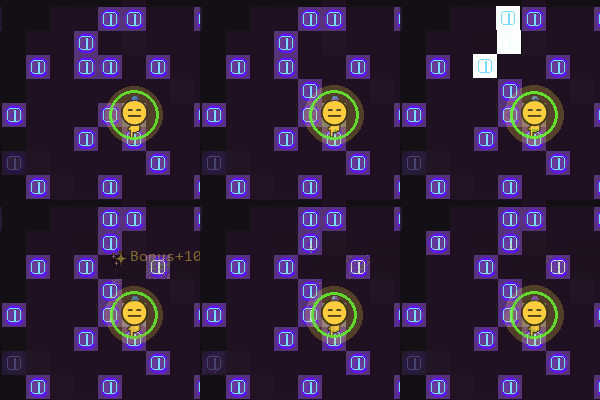
Moving Walls can Slide block your path to the Objective.
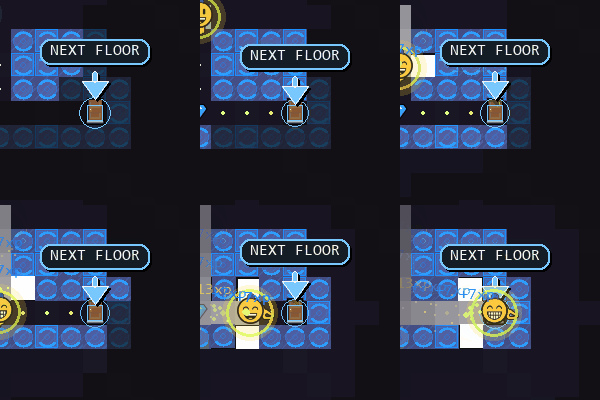
Level-Up
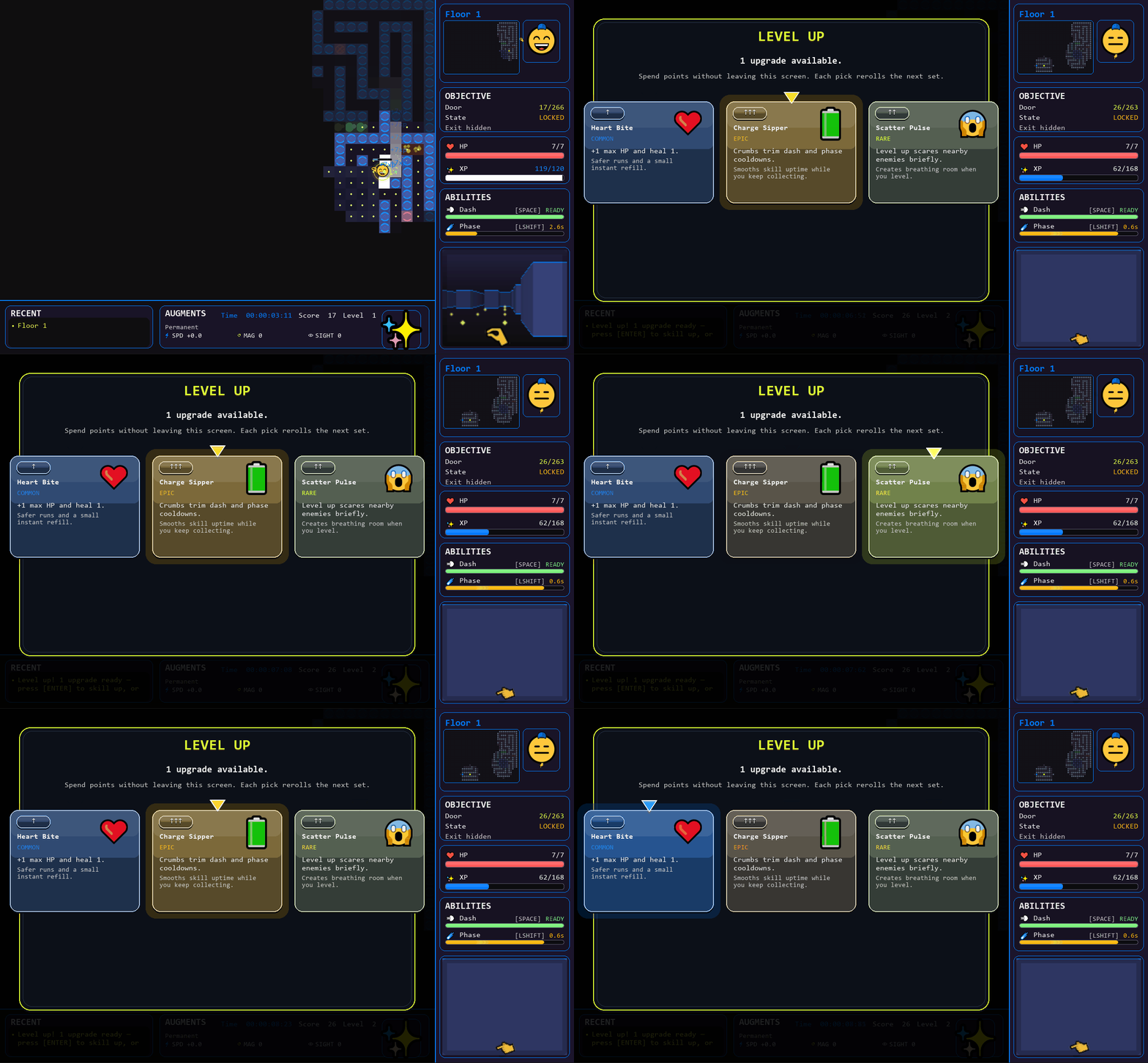
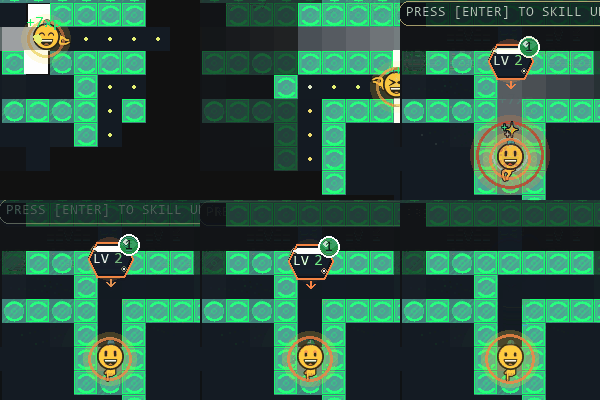
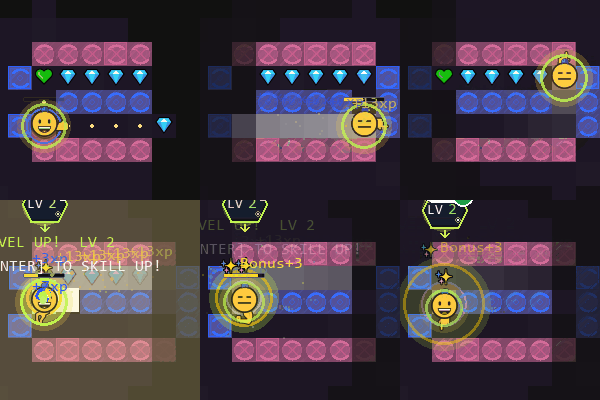
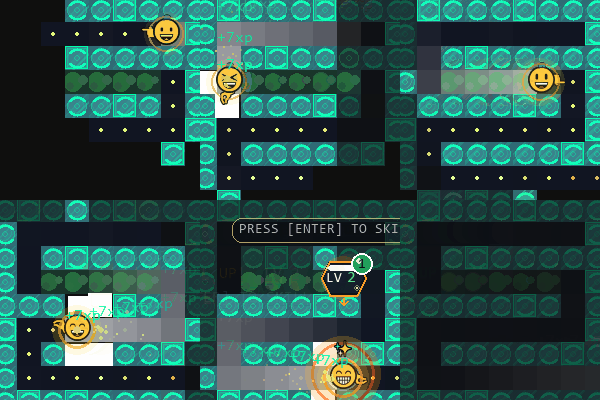
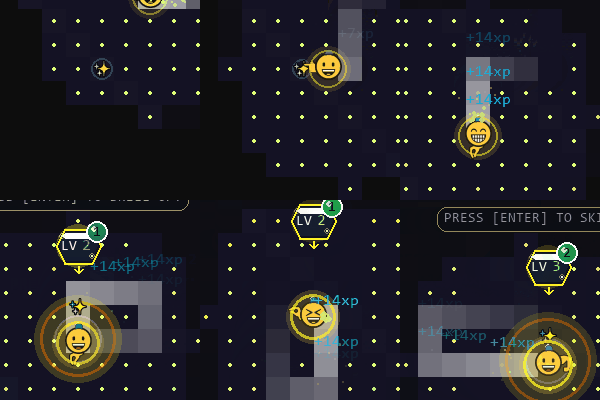
When you pickup Crums you gain XP and will level up. You gain stats and can select one of three random skills that pop up to buff the skill you think works the best for your run.

For players who want to sit back and run, you can set Auto Skill Select to choose a level up skill for you after a delay. You can still pick your skill if you hit the level up key beofre it picks it for you.
Character
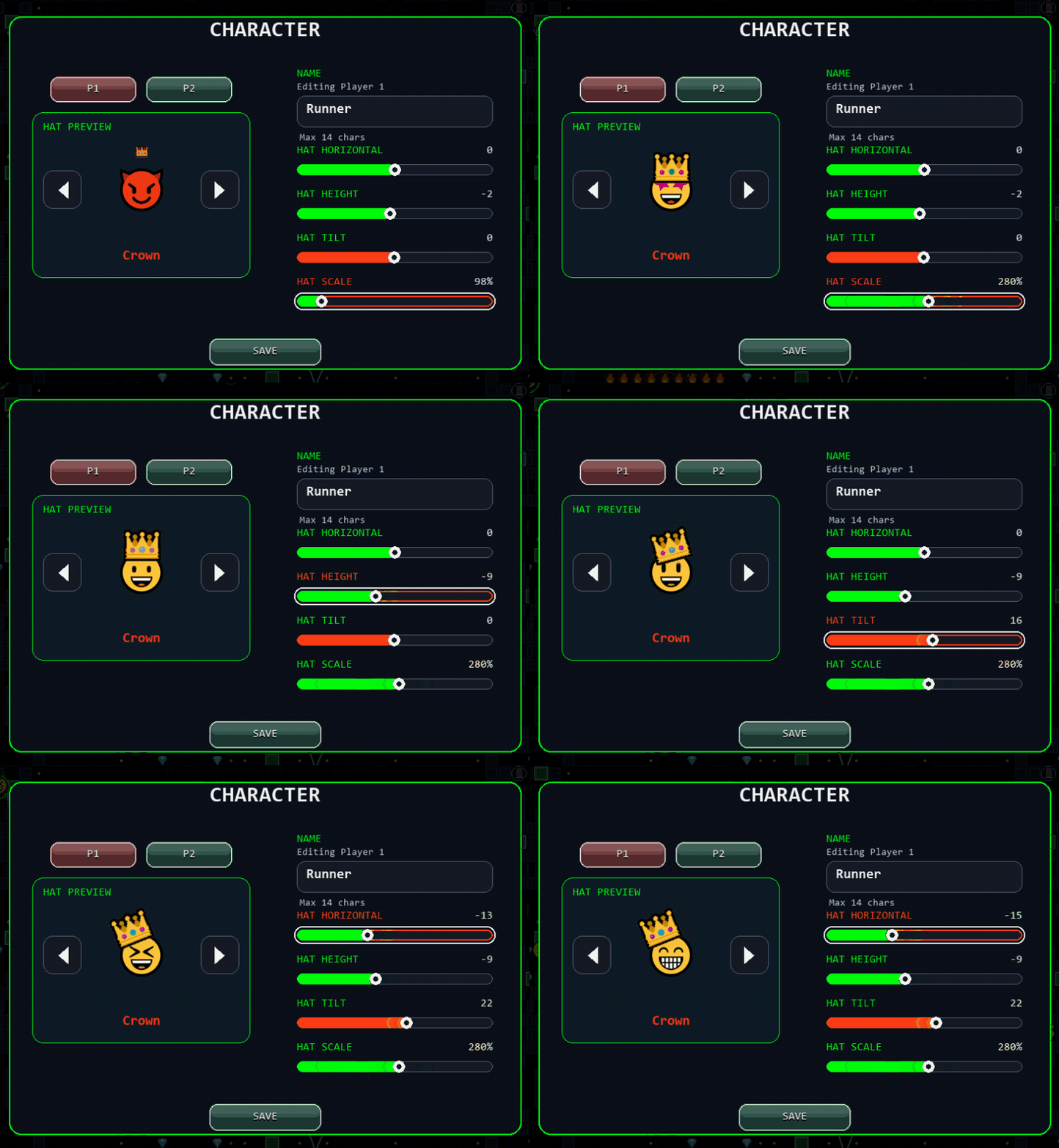
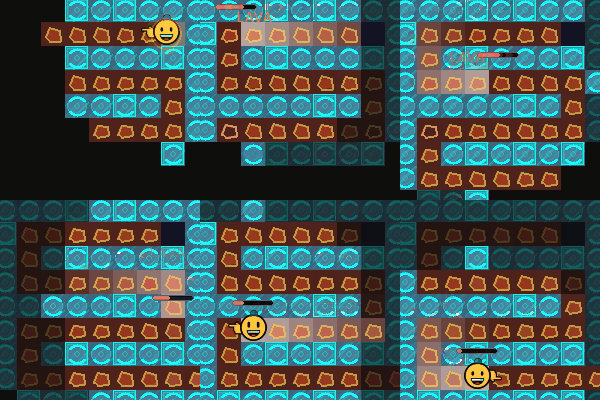
Players can find and unlock Hats they can place and adjust. Customize size, rotation, and placement for both characters. You can input a name here that is used on the scroreboard and in PvP.
Difficulty Settings

Crum Run boots up in EZ mode. Try playing on Normal and Hard Mode.
Solo Game Mode
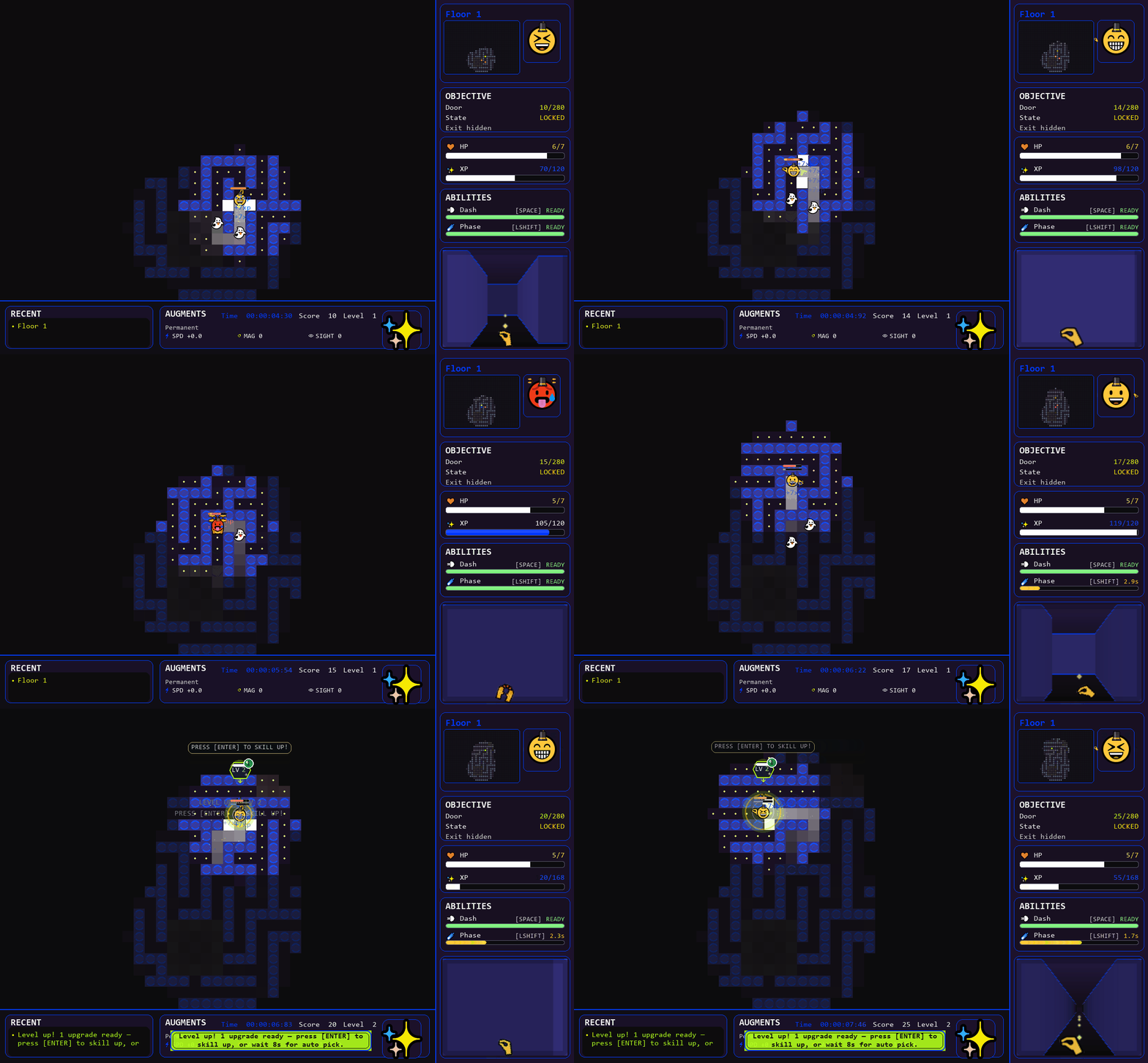
Choose the right skills to dominate and ride the wave to reach the highest floor. Gameplay changes from basic survival to beating the clock and progressing as fast as you can to unlock all of the features.
Co-op Game Mode
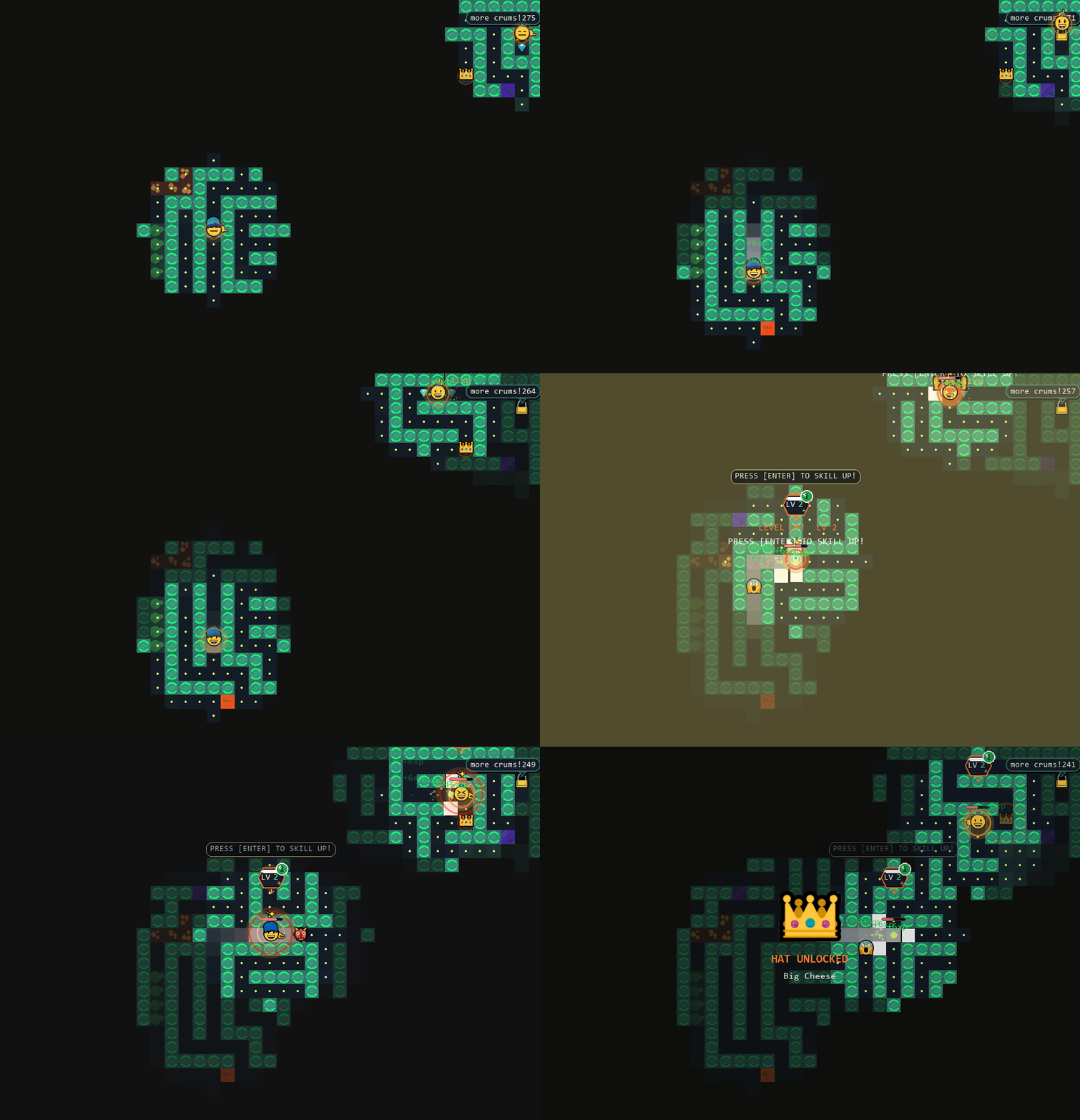
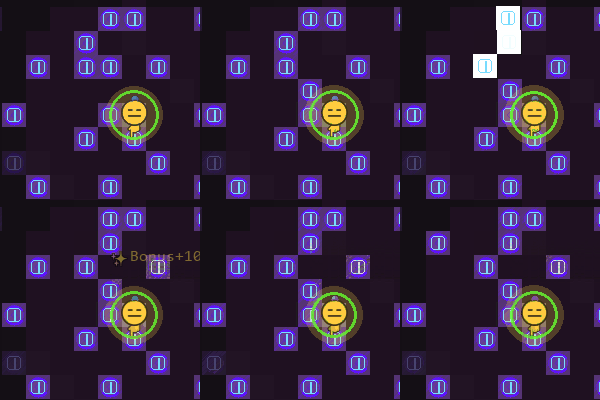
Sit next to a friend and run togeather on the same screen. You can use the gamepad automapper to assign your gamepad button press for both p1 and p2. You can also use two keyboards or one player uses WASD and the other uses Arrow Keys. During Coop play, your HP is SHARED! You can also try to play both characters at the same time if you dare.
PVP Game Mode
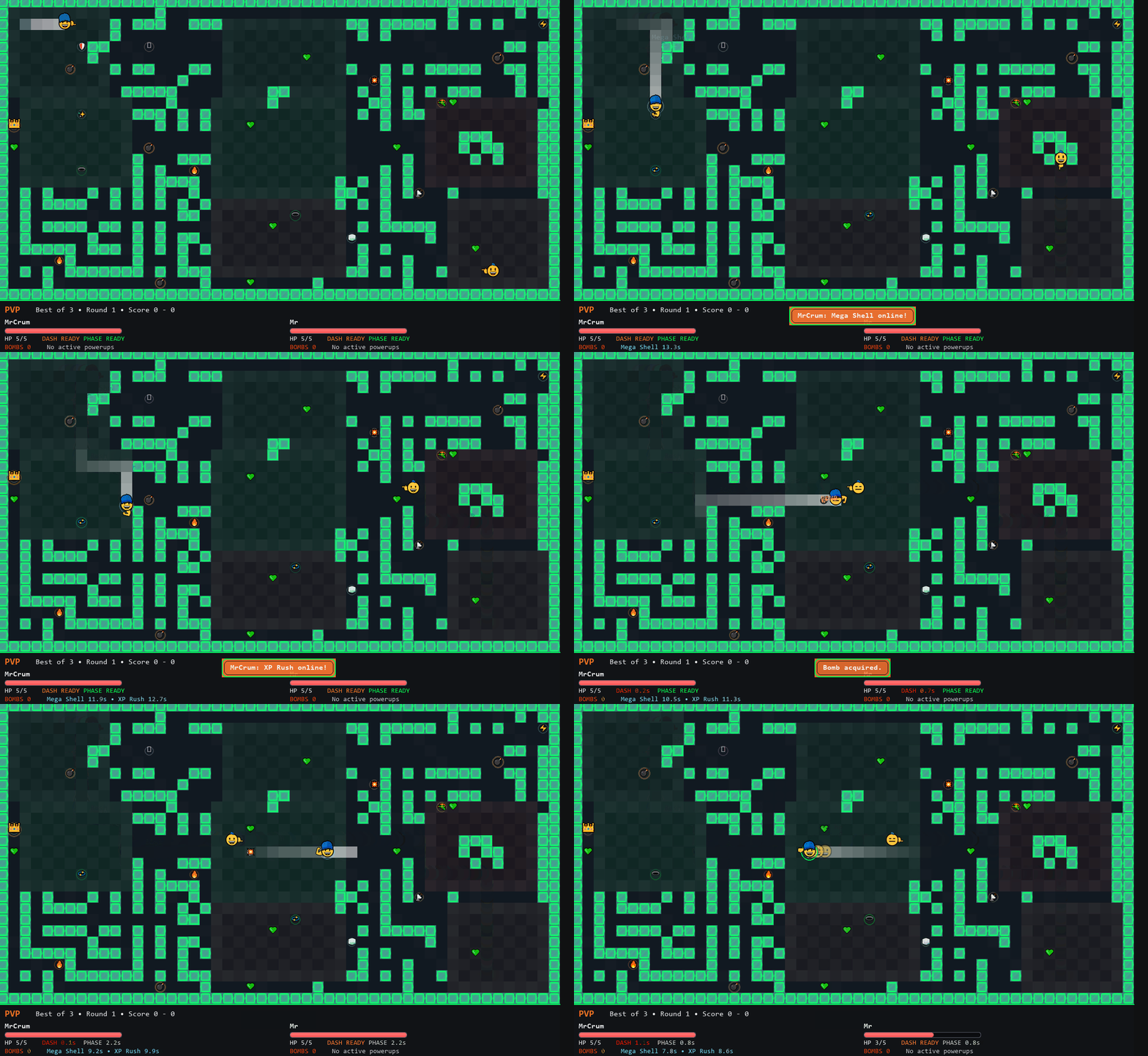
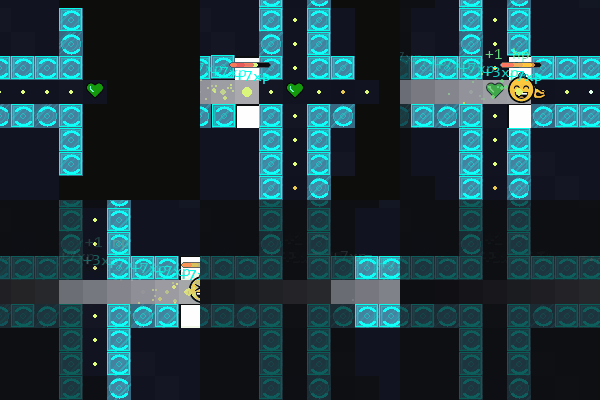
Face off with your friend and see who can react the fastest. During pvp, Players Dash skill causes damage to the other player. incase you run out of powerups. The Map is generated. Before each round both players select one of three random loadout upgrades. Sometimes luck decides.
Map Maker
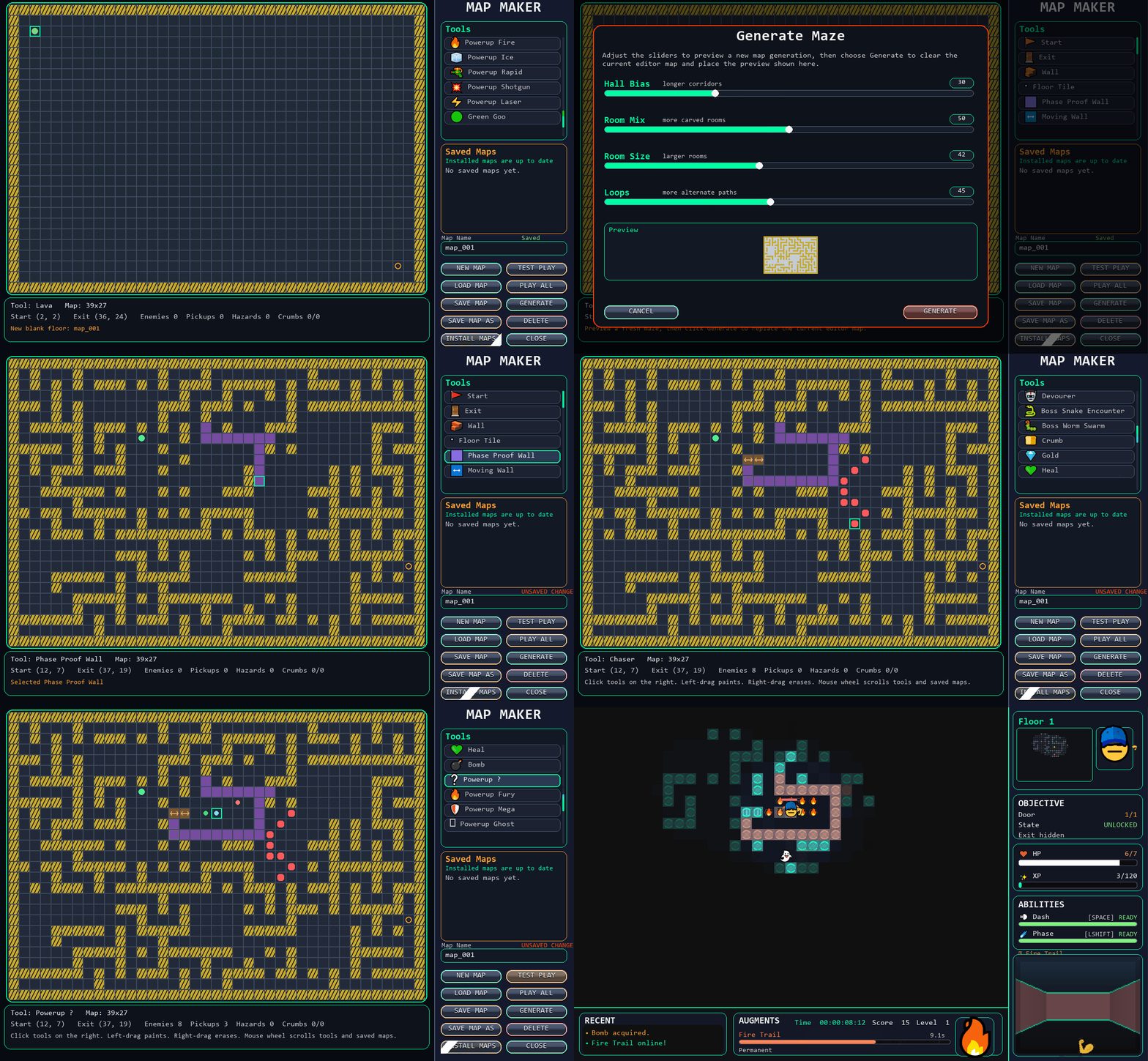
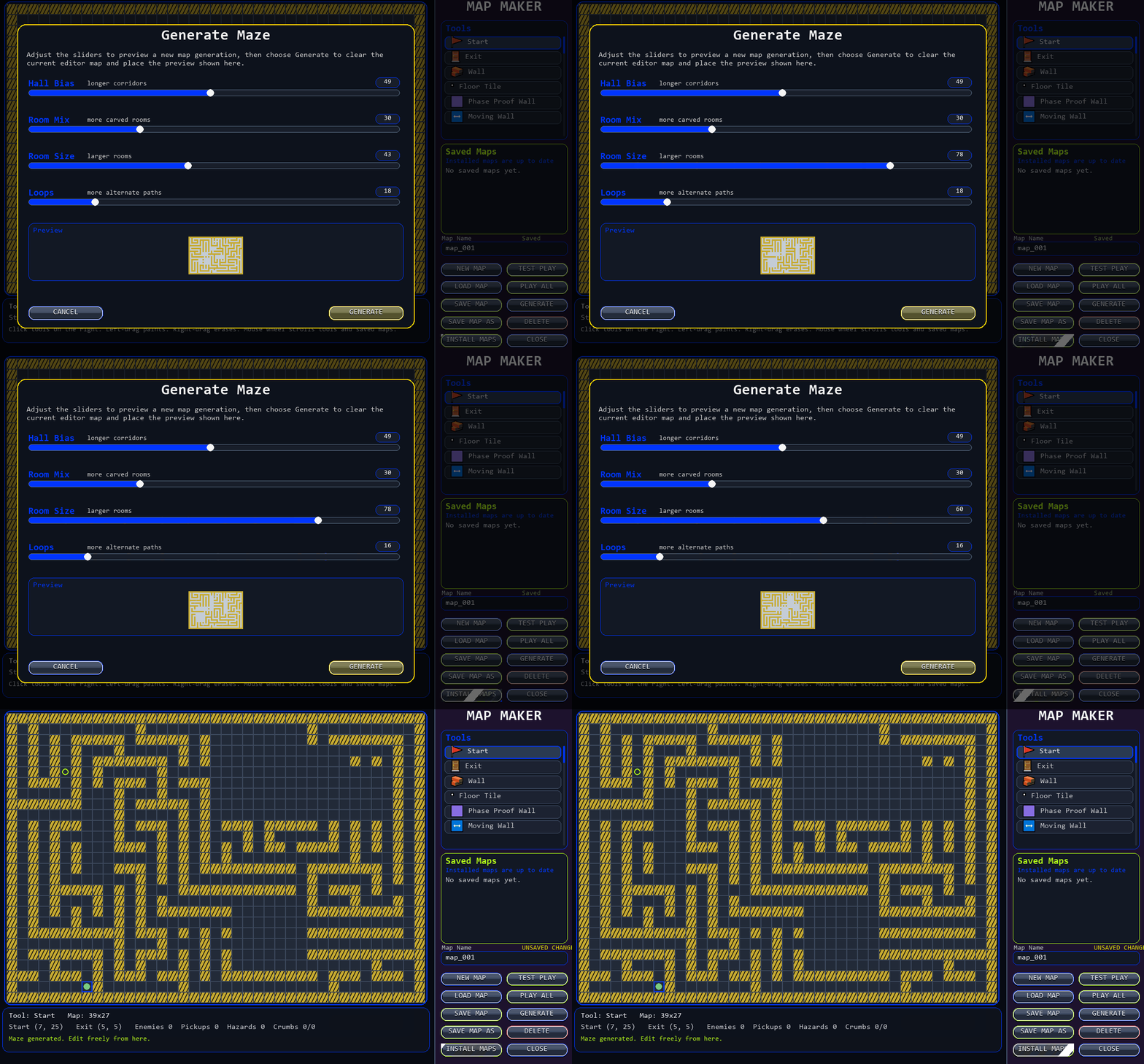
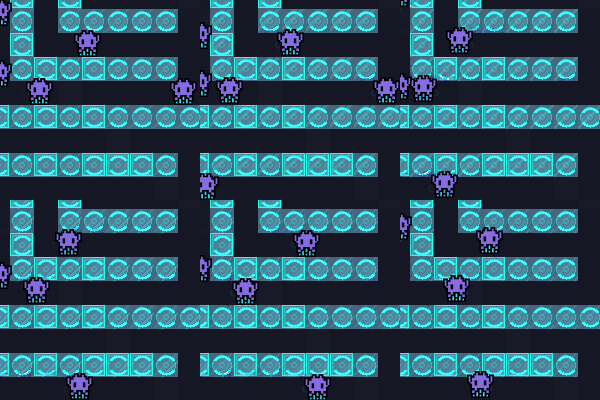
Players can create their own maze Maps and share them with friends using the built-in Map Maker. When you 'Install' the maps into Crum Run they appear at the start of the run. (full version only) Play around and create!
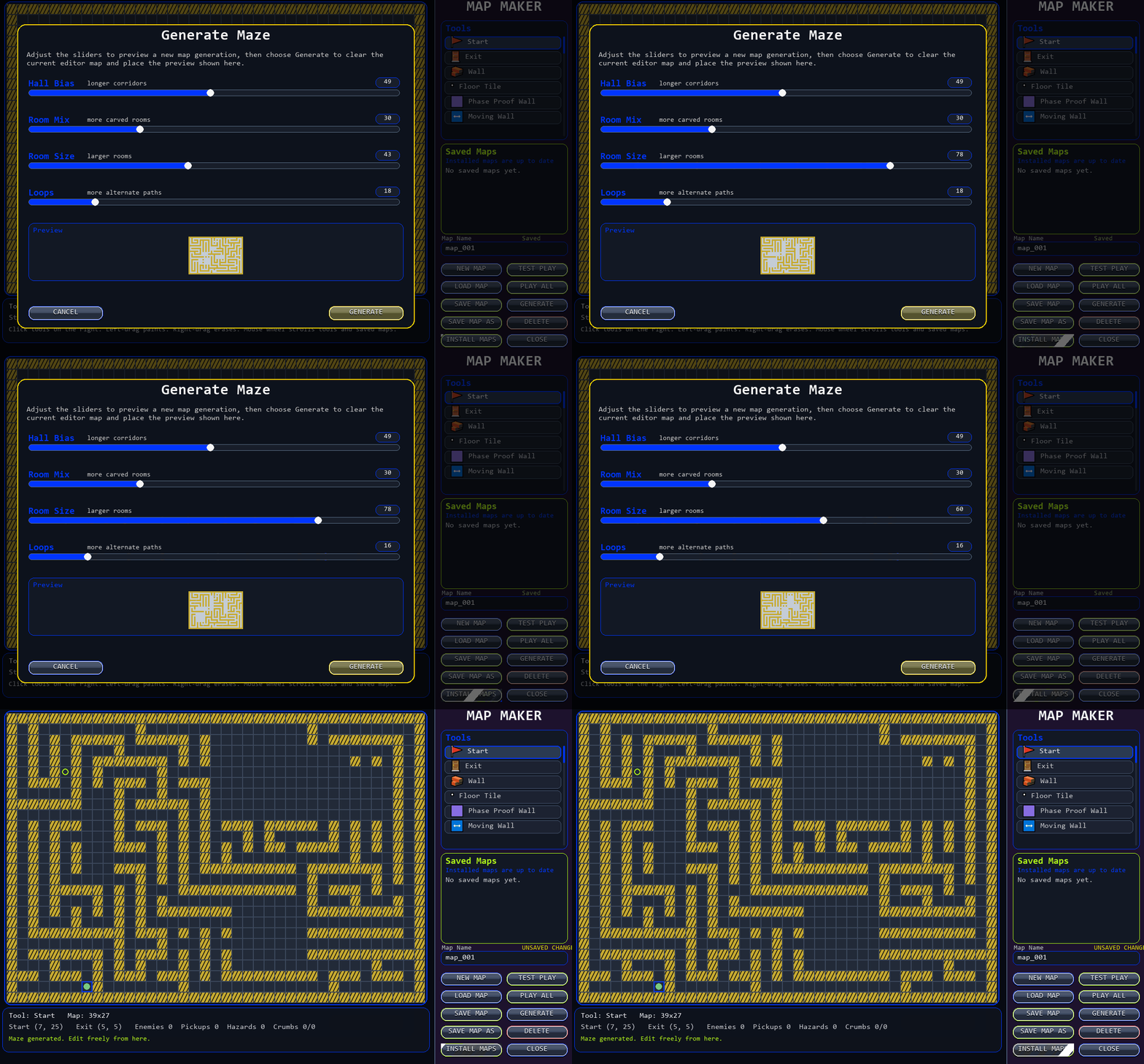
There's a built-in Maze Generator, so you do not have to draw it out by hand every time.
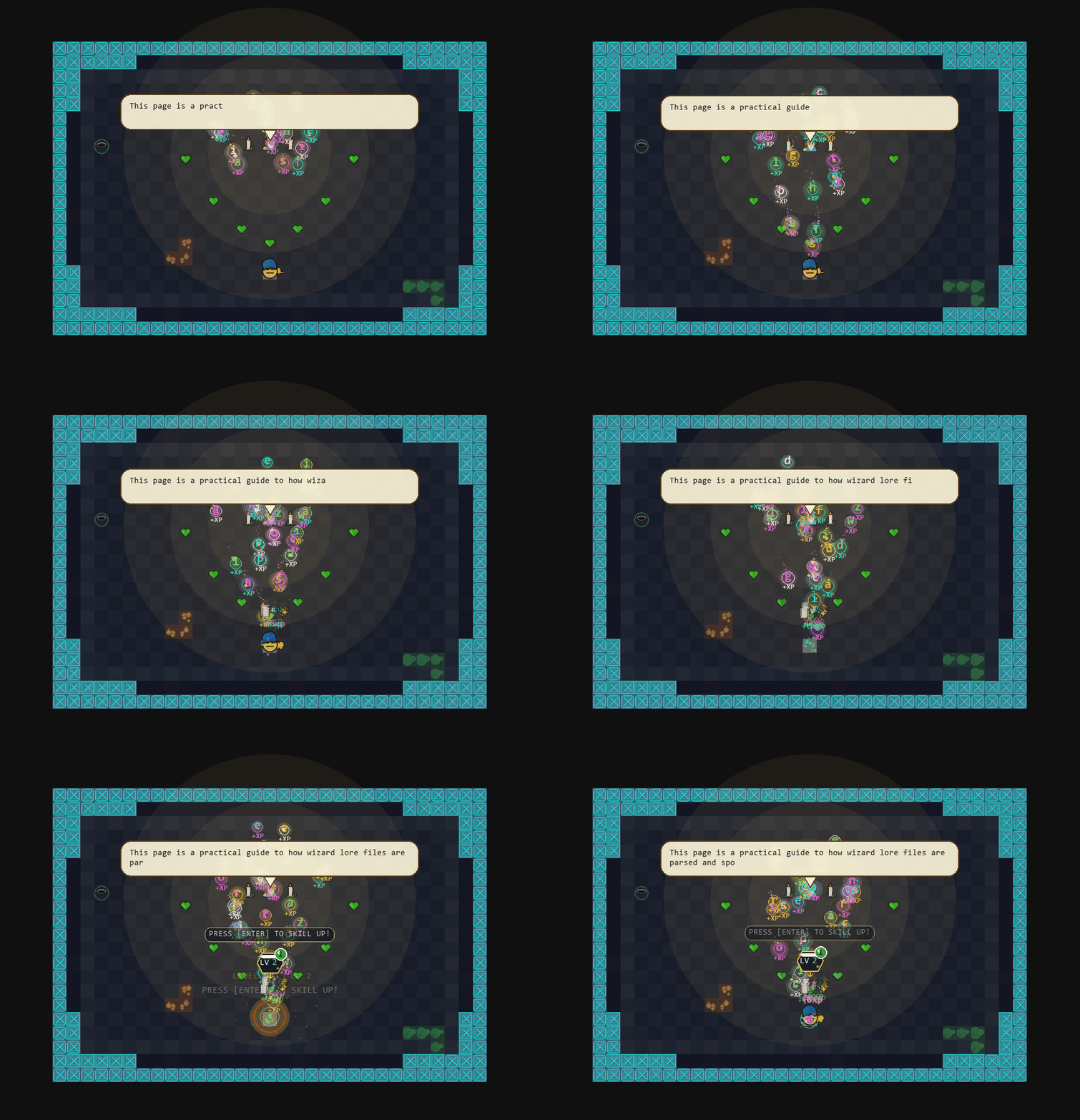
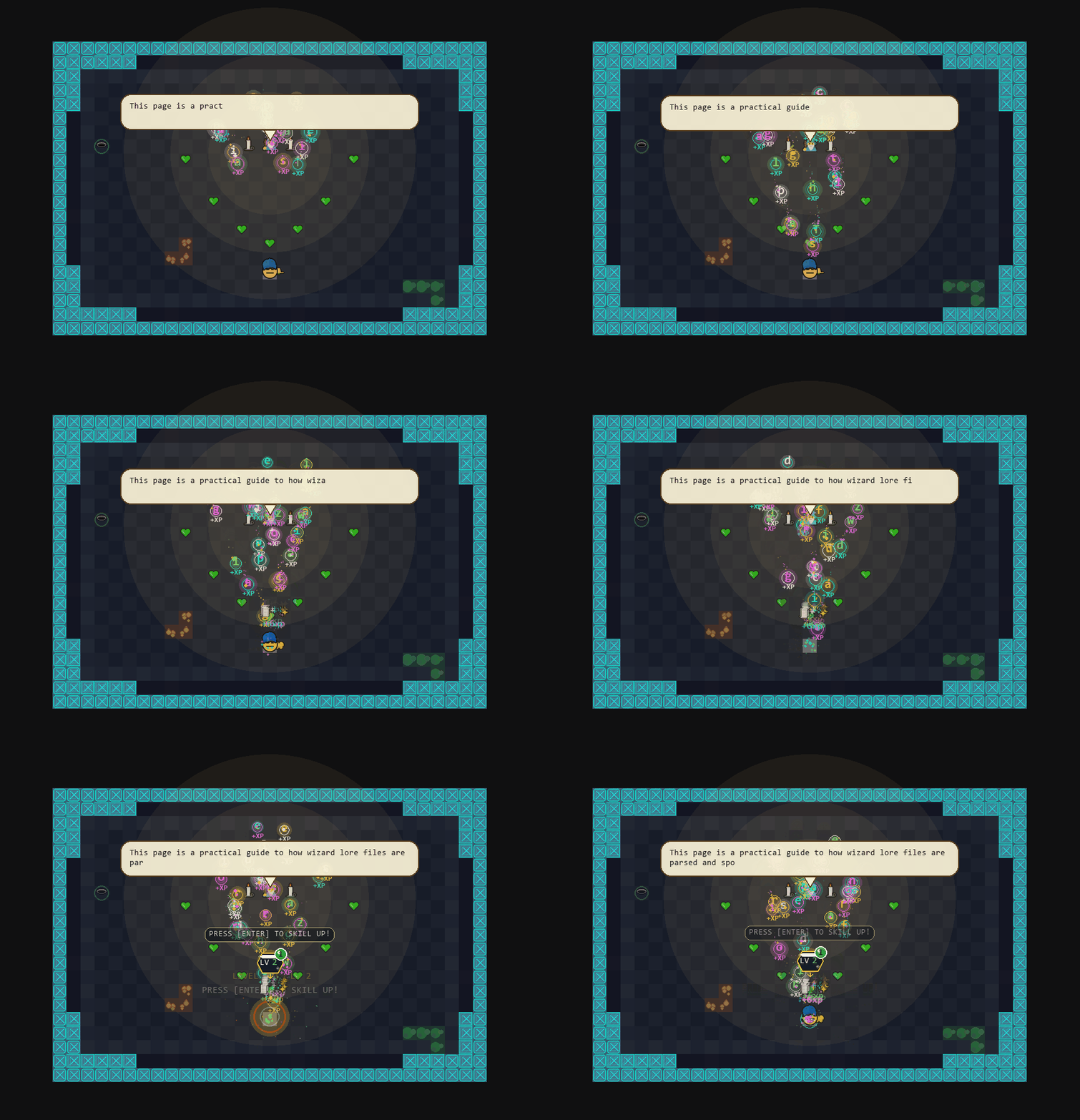
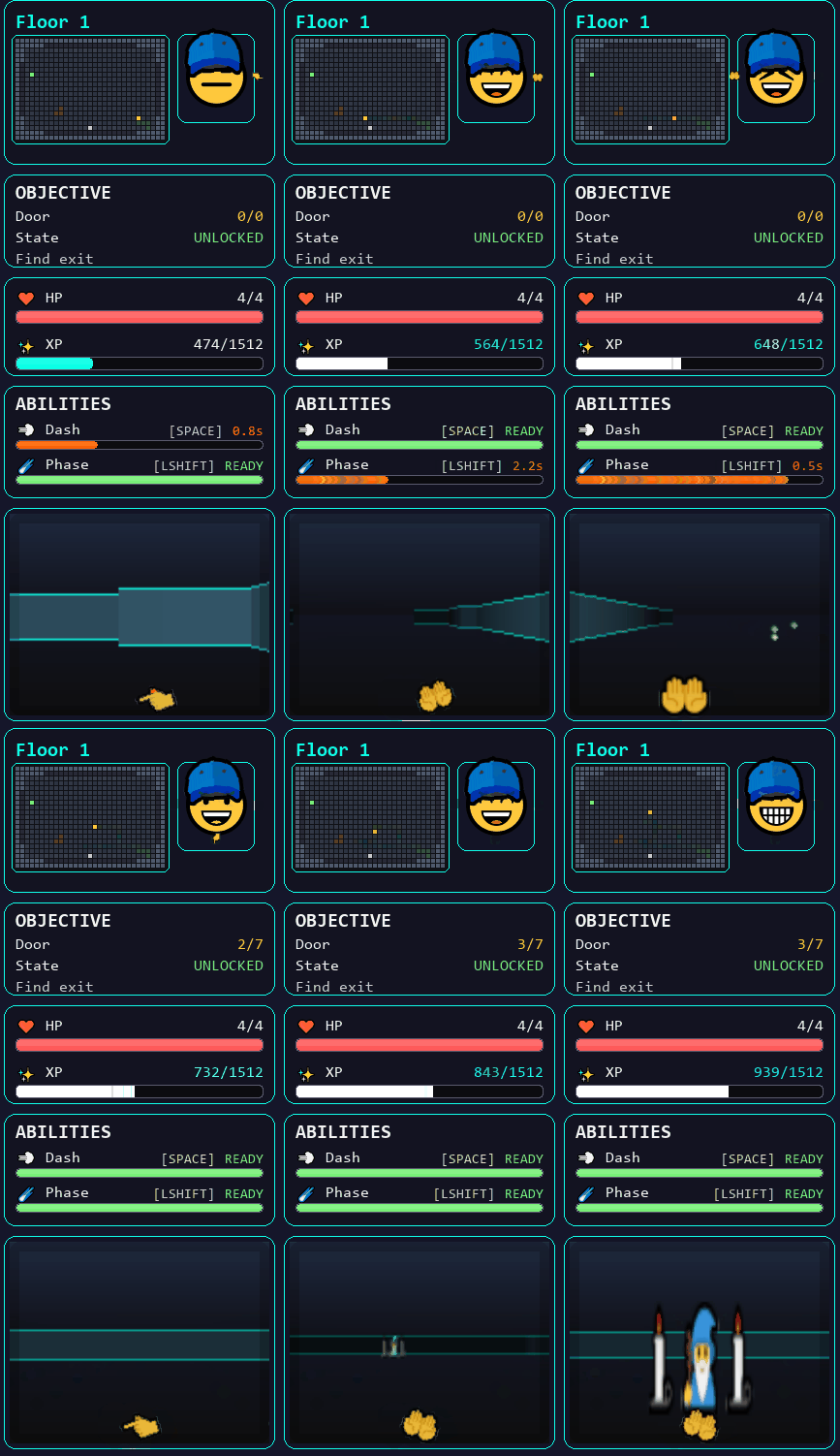
You can create text for the Secret Room Wizard who speaks. Players gain Xp every letter that reaches the players ears.
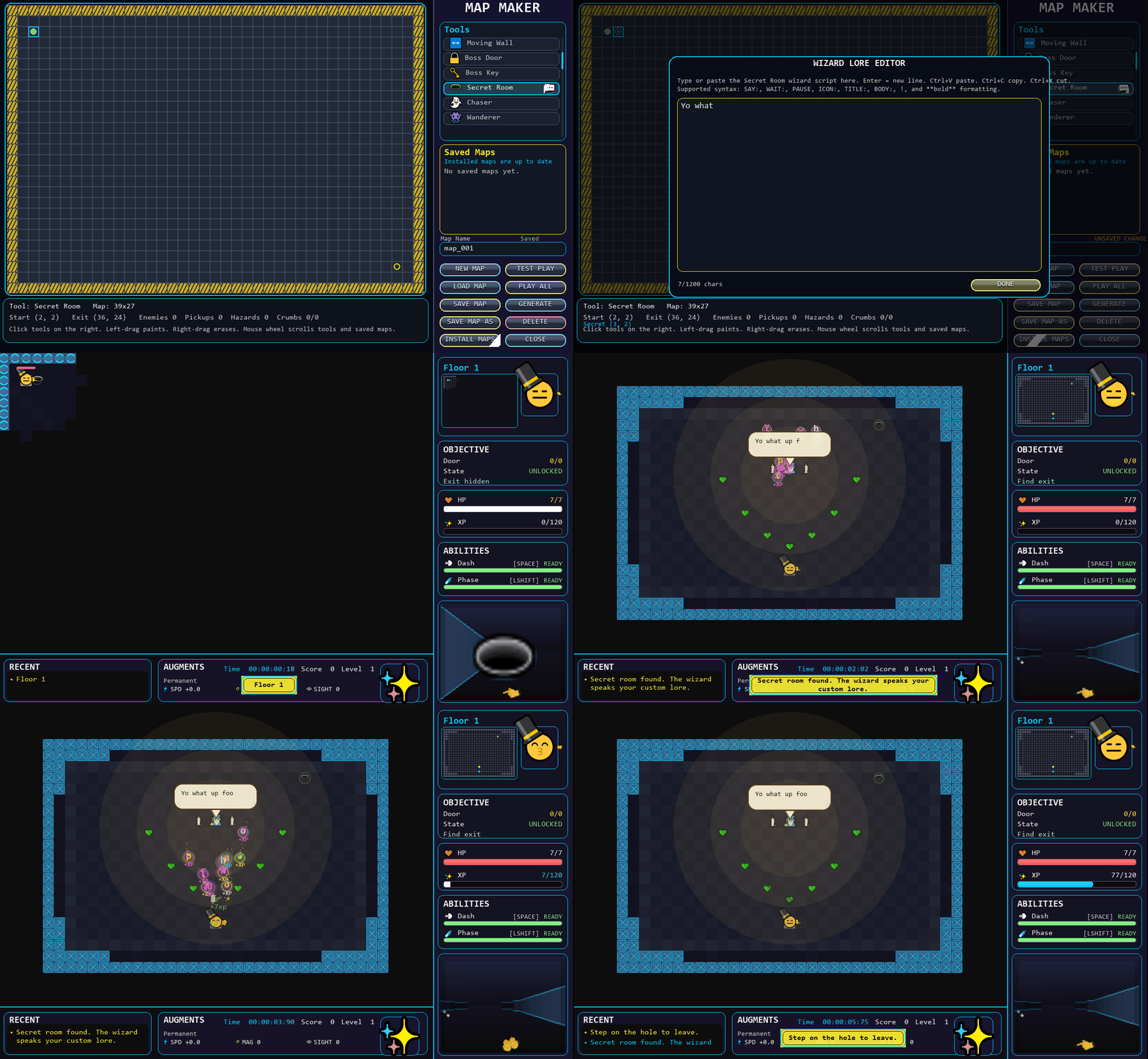
Click on the Wizard Lore button in the Map Maker to add text to the Secret Room Wizard. The more lore you listen to the more XP you gain.
Custom Sprites/Emojis
💩👁👌💪👁🚗🧼🚽🔥😎😯😁😚🤐😜👺🦐🦠👓🧦👠🥌🕹🕯🗑📍📎
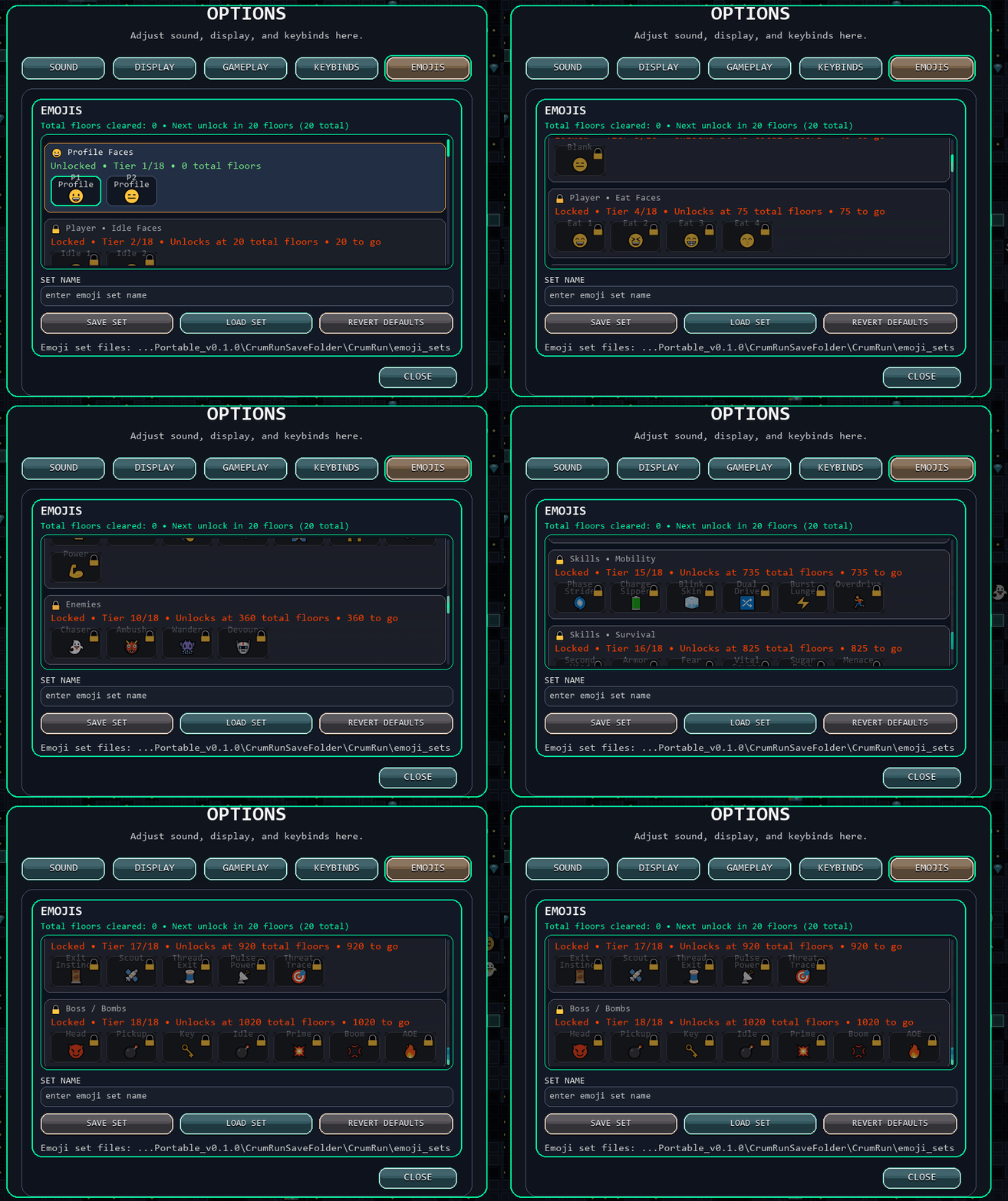
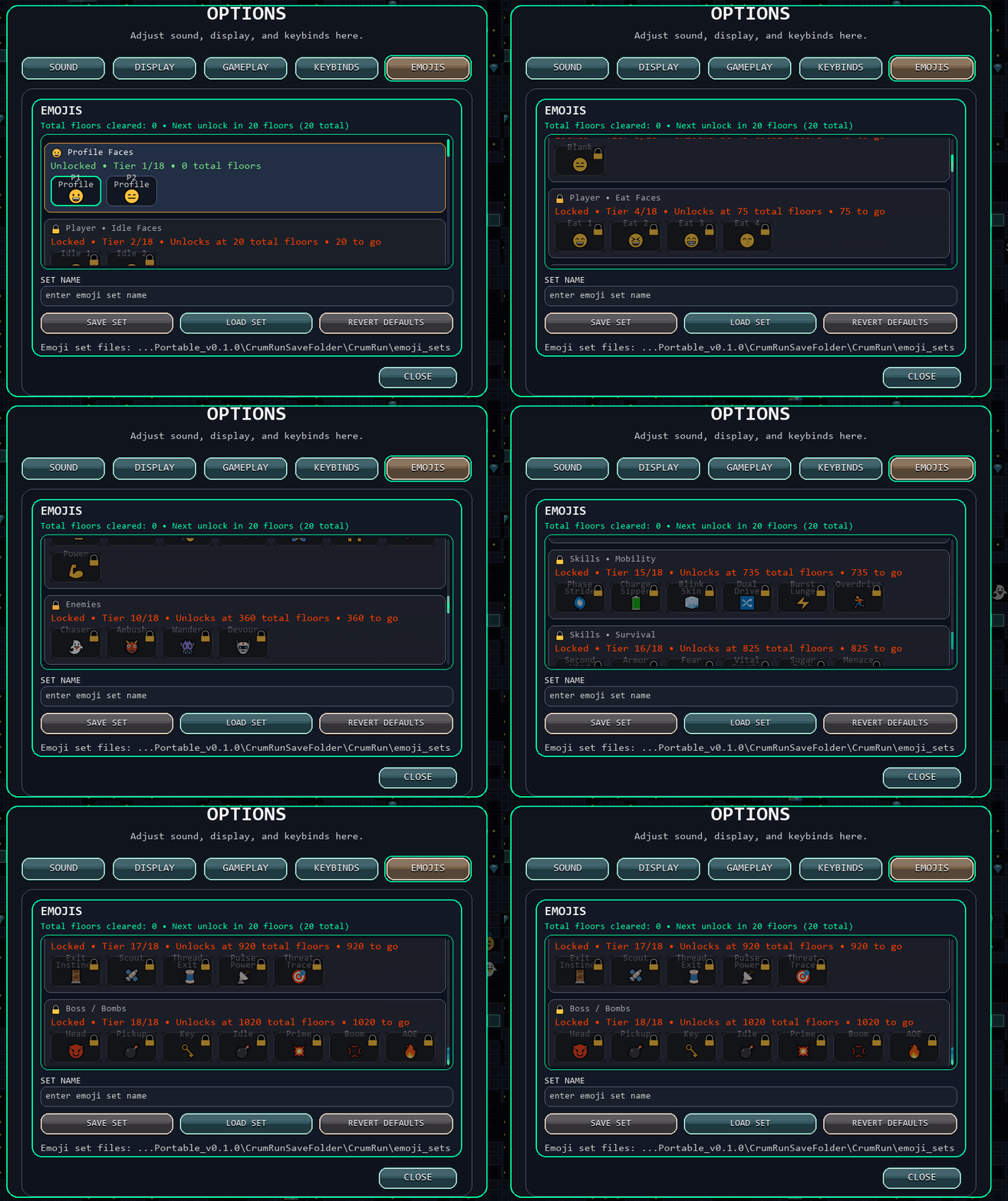
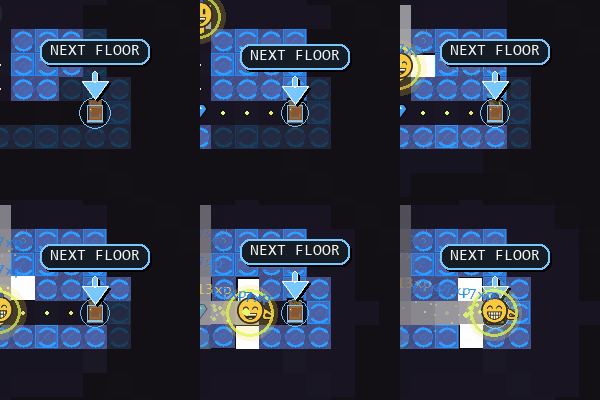
Crum Run uses Emojis as sprites to allow the player to switch the look of the game. You can progress by unlocking Custom Emoji Assignments. When unlocked you can insert your own emojis to the sprites keyframe. Players begin with Profile faces unlocked so that you can change what your character looks like simply by using an emoji. The Emoji picker automatically pops up. The ( Win + . ) Emoji picker.
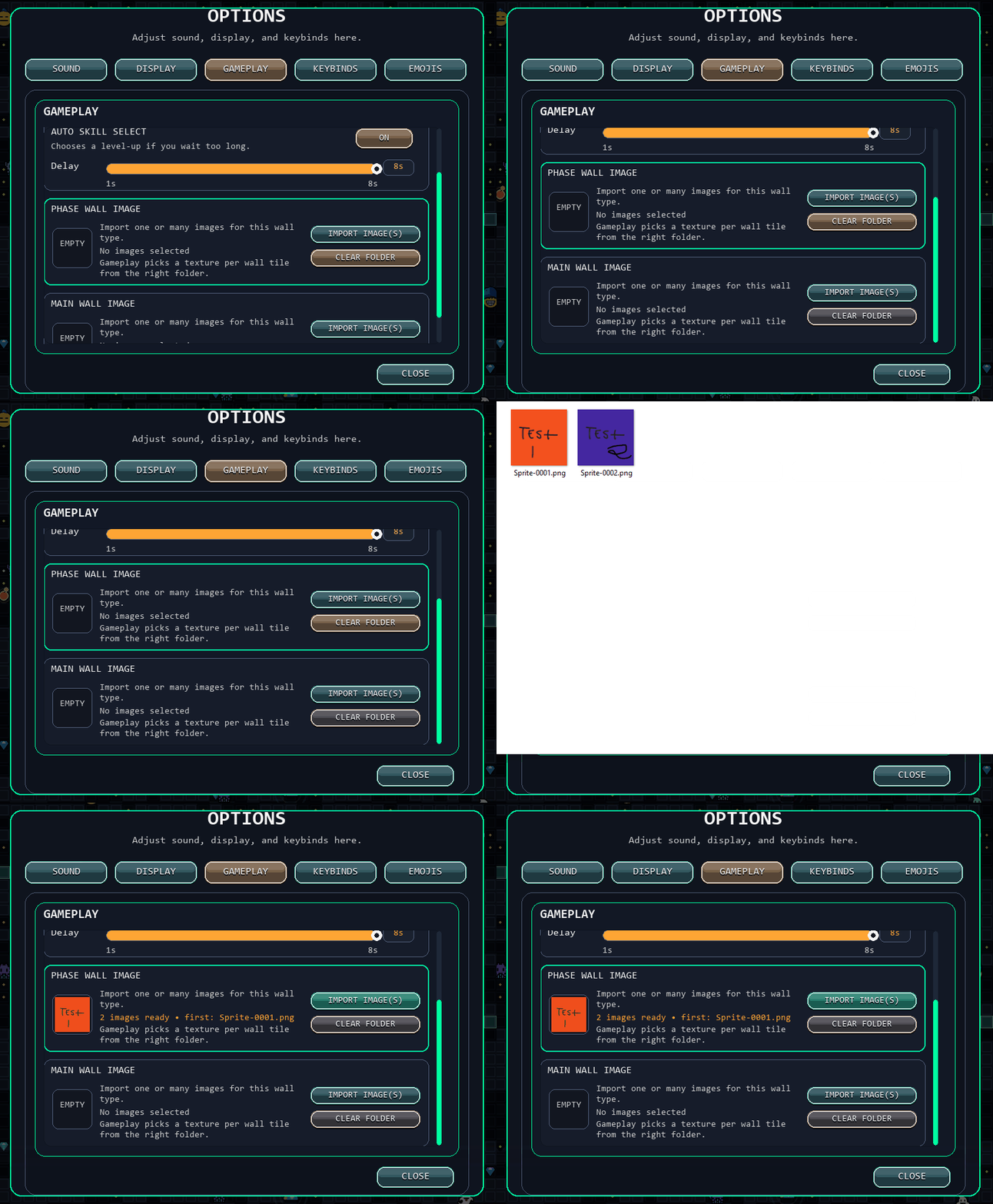
You can also select custom .png wall textures for Normal Walls and Sliding Walls. Doing this projects the assigned image texture onto the walls in the game's 3d viewport.
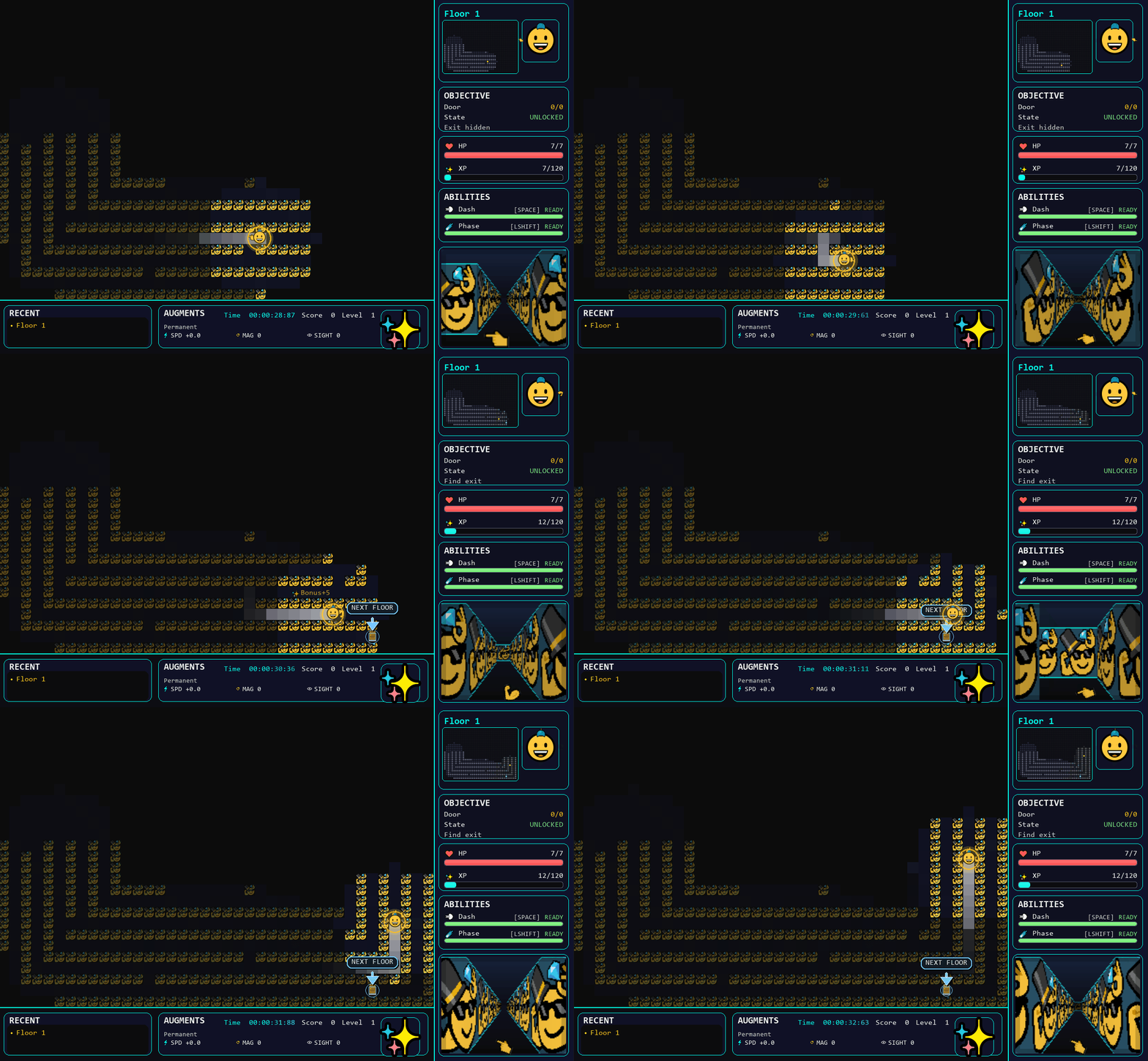
This means you can add your own branding/logo/channel name or flavour. (supports transparent .png)
Custom SFX
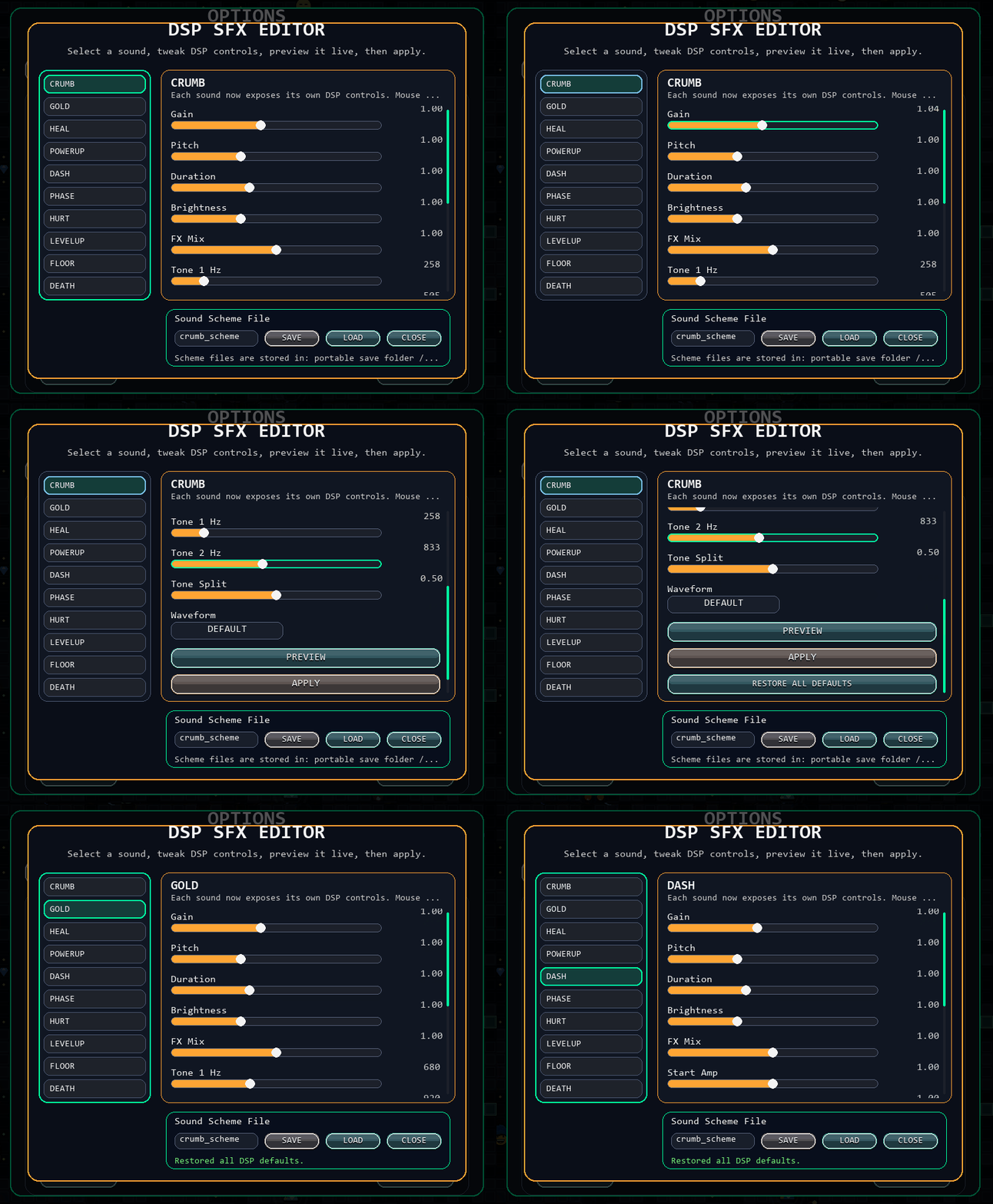
All SFX are generated via DSP, this means you can play with all of the sound options for every sound in the game. You can save the settings, share, or load them. Because everyone has a sound they want to make better.
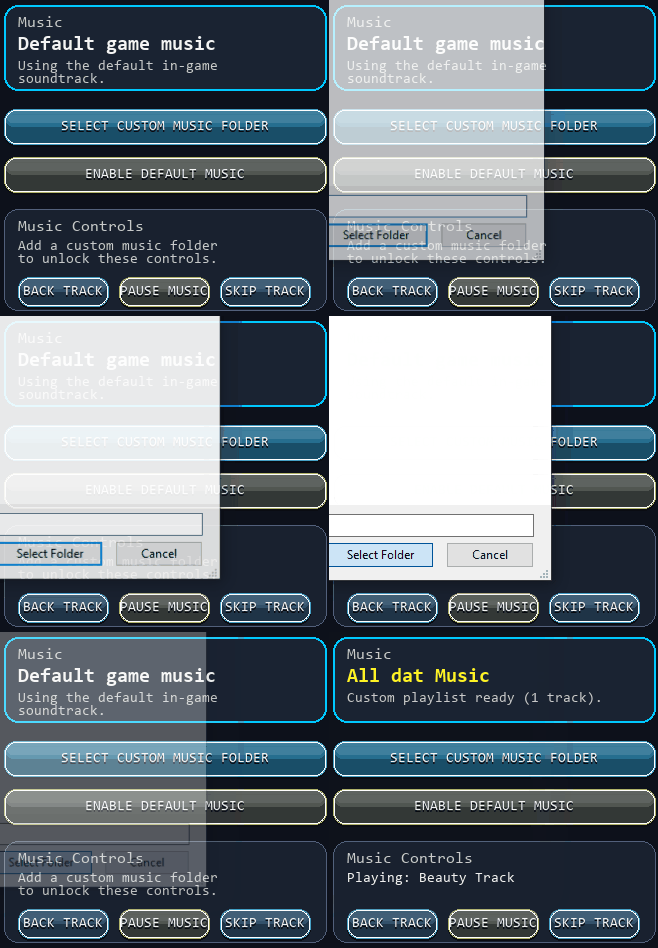
Yes. You can select your own music folder. Note that you may stream the game/music without any issue of copywrite.
Keybinds and Gamepad
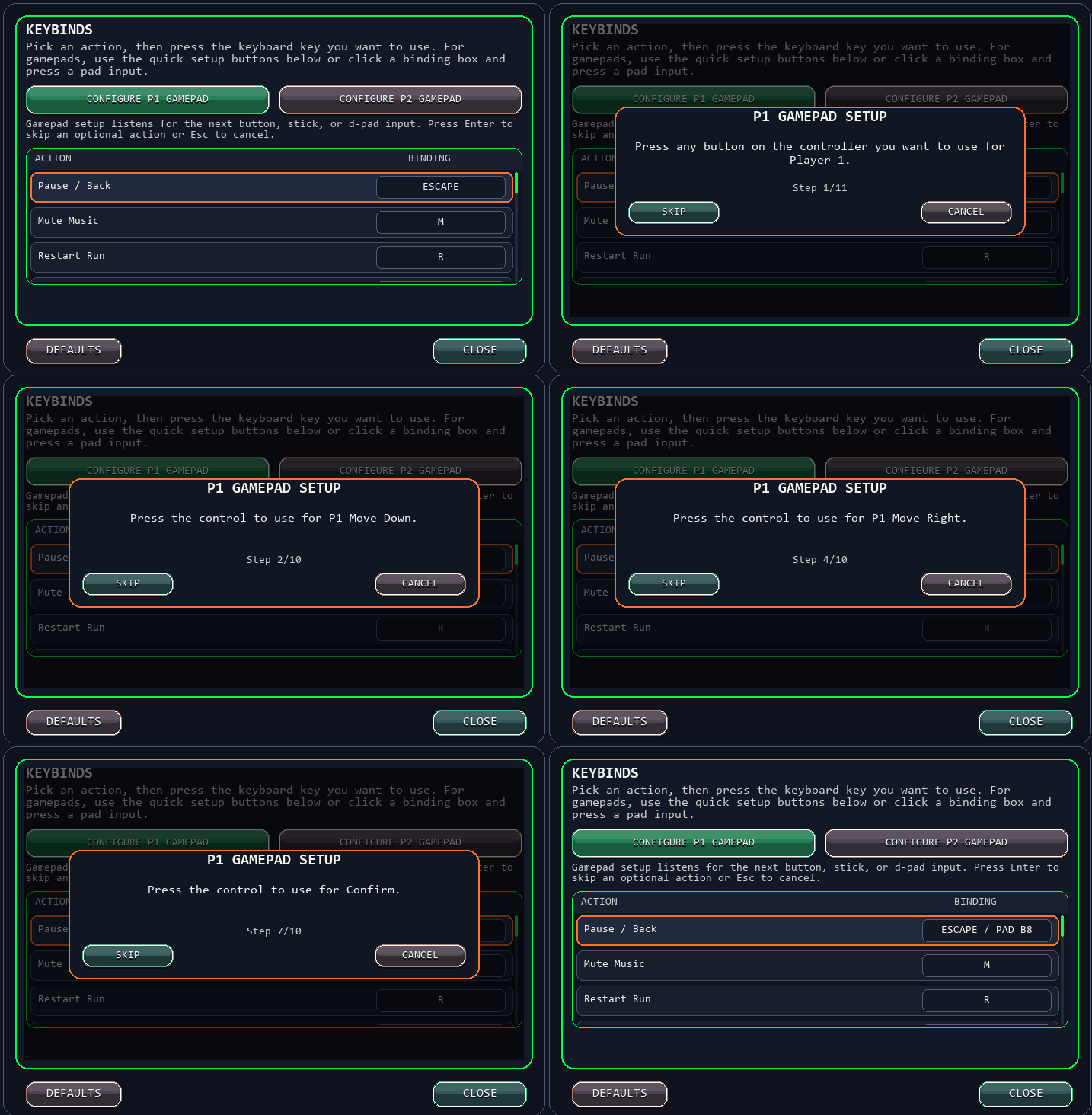
Crum Run allows players to setup USB gamepads or remap actions. Note that Crum Eun was intended to be played with a NES style gamepad but it should work with all formats. Analog or digital. (The Map Maker does not use gamepad, but the playmode does)
Display Settings
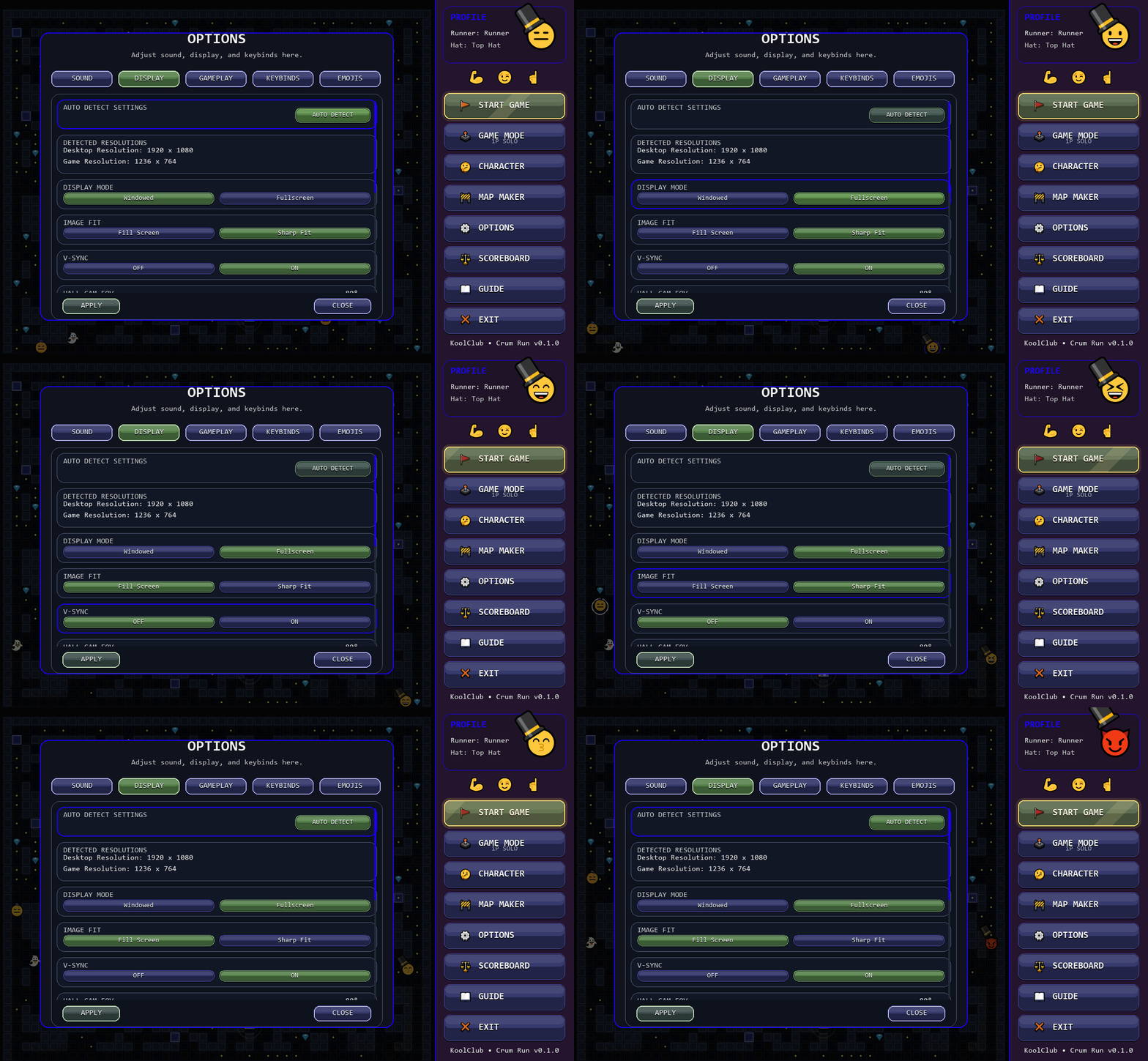
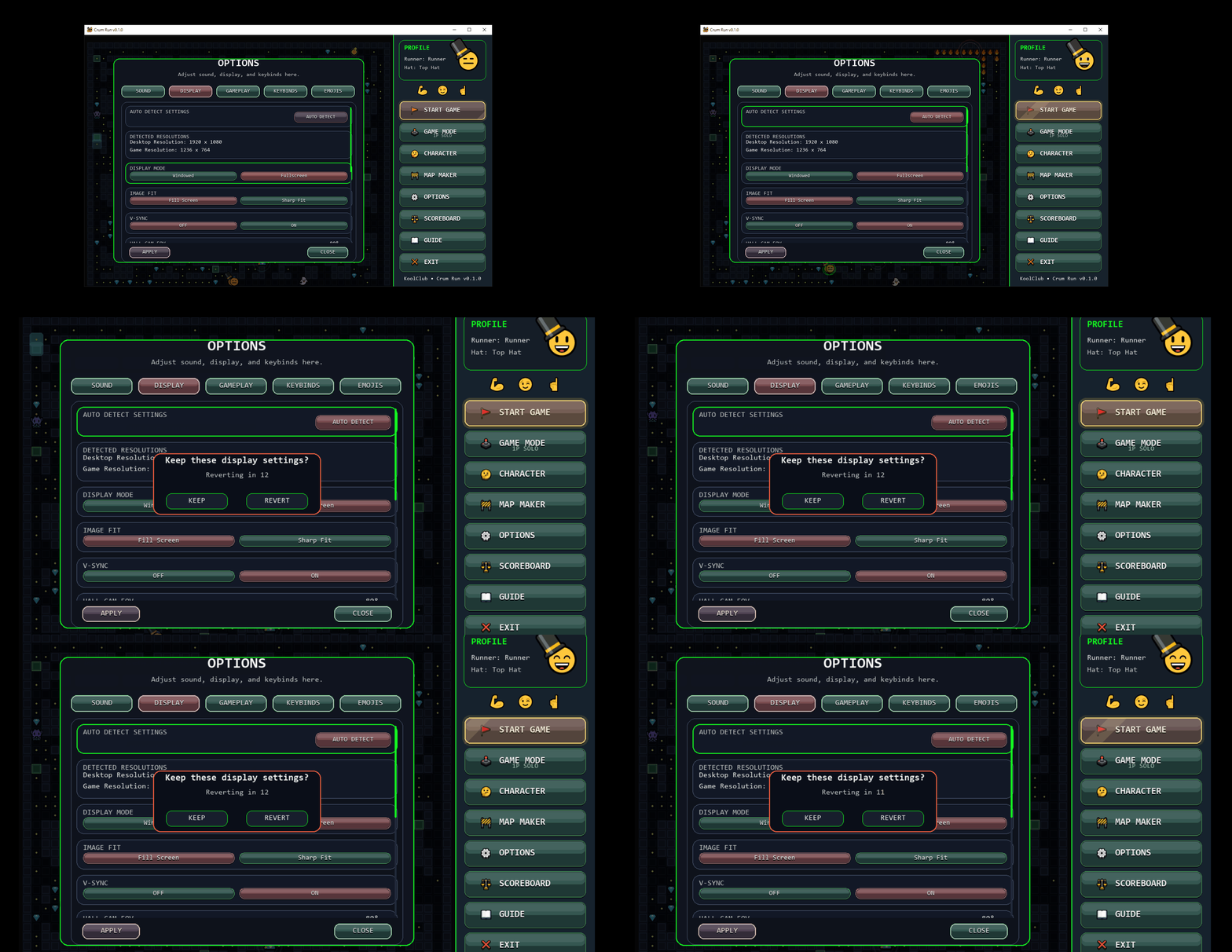
Crum Run boots up in Windowed Mode with a native Game Resolution of 1236x764. It is recommended that you click the full screen button and press auto detect to correctly adjust.
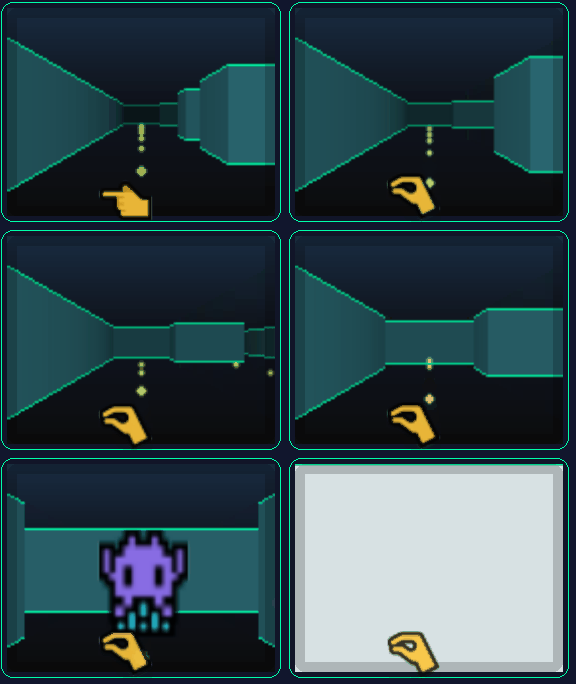
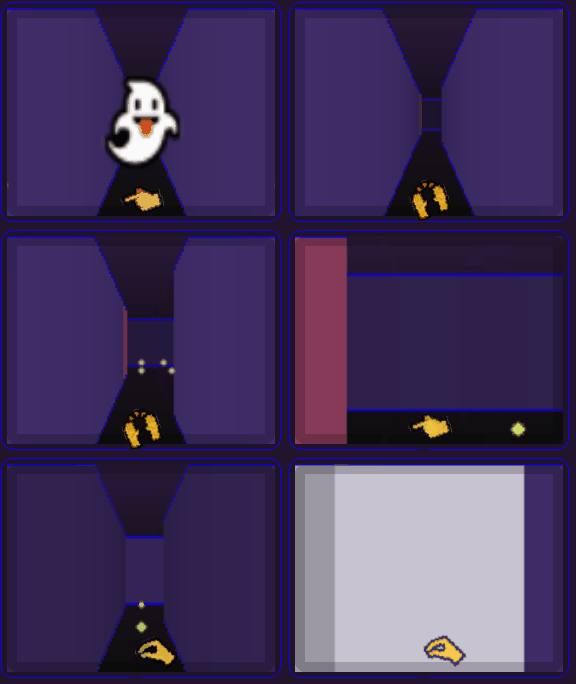
yes! Crum Run does have a FOV slider. It works on the viewport on the lower right side of the screen known as the Hall Cam.

Scoreboard
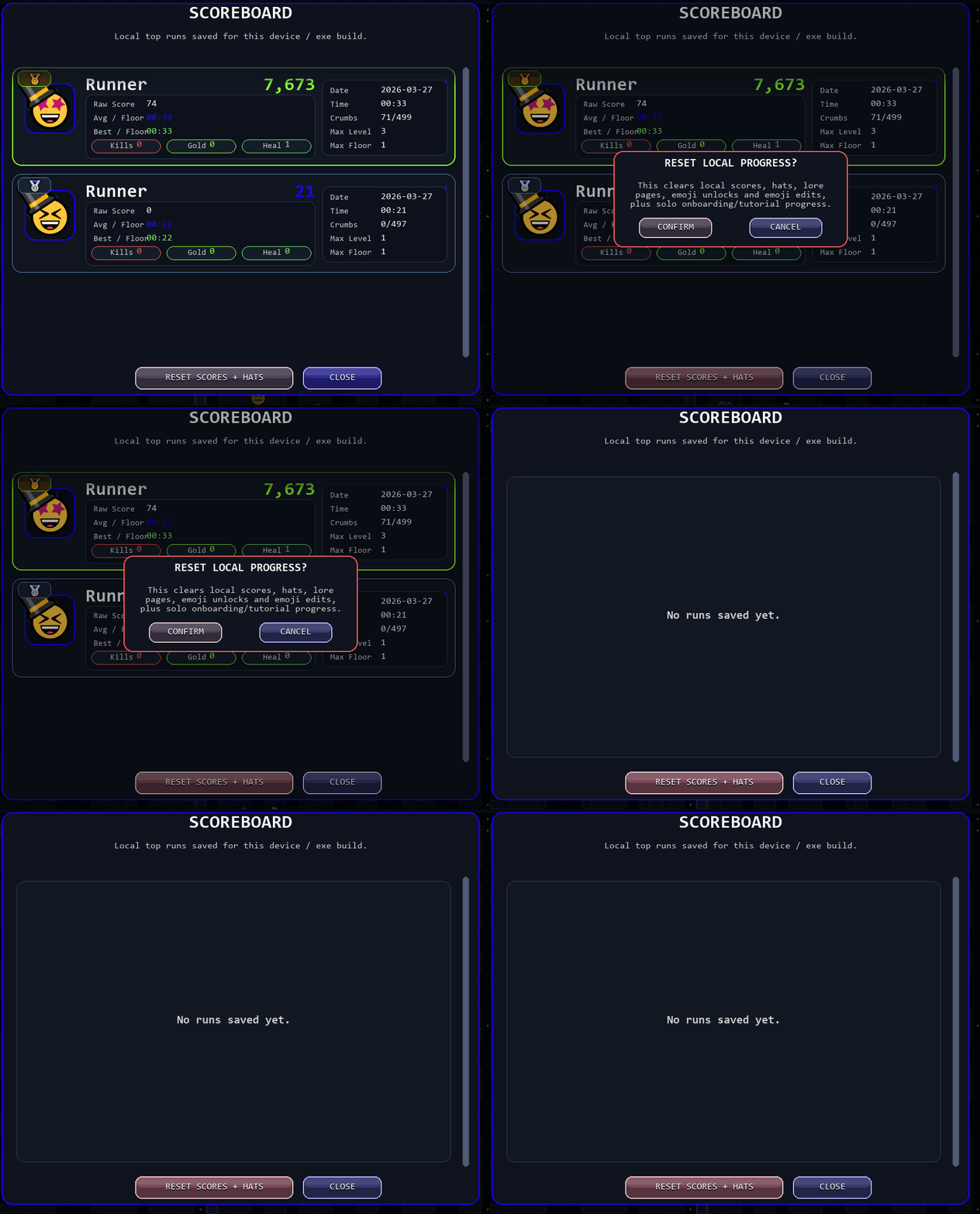
You can track your score and see your best runs. Resetting your score resets your hat progress, score and onboarding. If you want a fresh start.
System Requirements
Minimum:
- OS: Windows 10
- Processor: Dual-core CPU (2.0 GHz or higher)
- Memory: 4 GB RAM
- Graphics: Integrated graphics (Intel HD or equivalent)
- Storage: 200 MB available space
Recommended:
- OS: Windows 10/11
- Processor: Quad-core CPU
- Memory: 8 GB RAM
- Graphics: Dedicated GPU not required
- Storage: 200 MB available space
Purchase
In order to download this game you must purchase it at or above the minimum price of $4.99 USD. You will get access to the following files:
Download demo
Development log
- From the desk of KoolClub3 days ago


Leave a comment
Log in with itch.io to leave a comment.